18
2.3.1 Features
Model: Li-ion battery charger
Input: AC 100 ~ 240 V 50/60 Hz
Output: 12.6 V / 3 A
2.3.2 Battery Charge
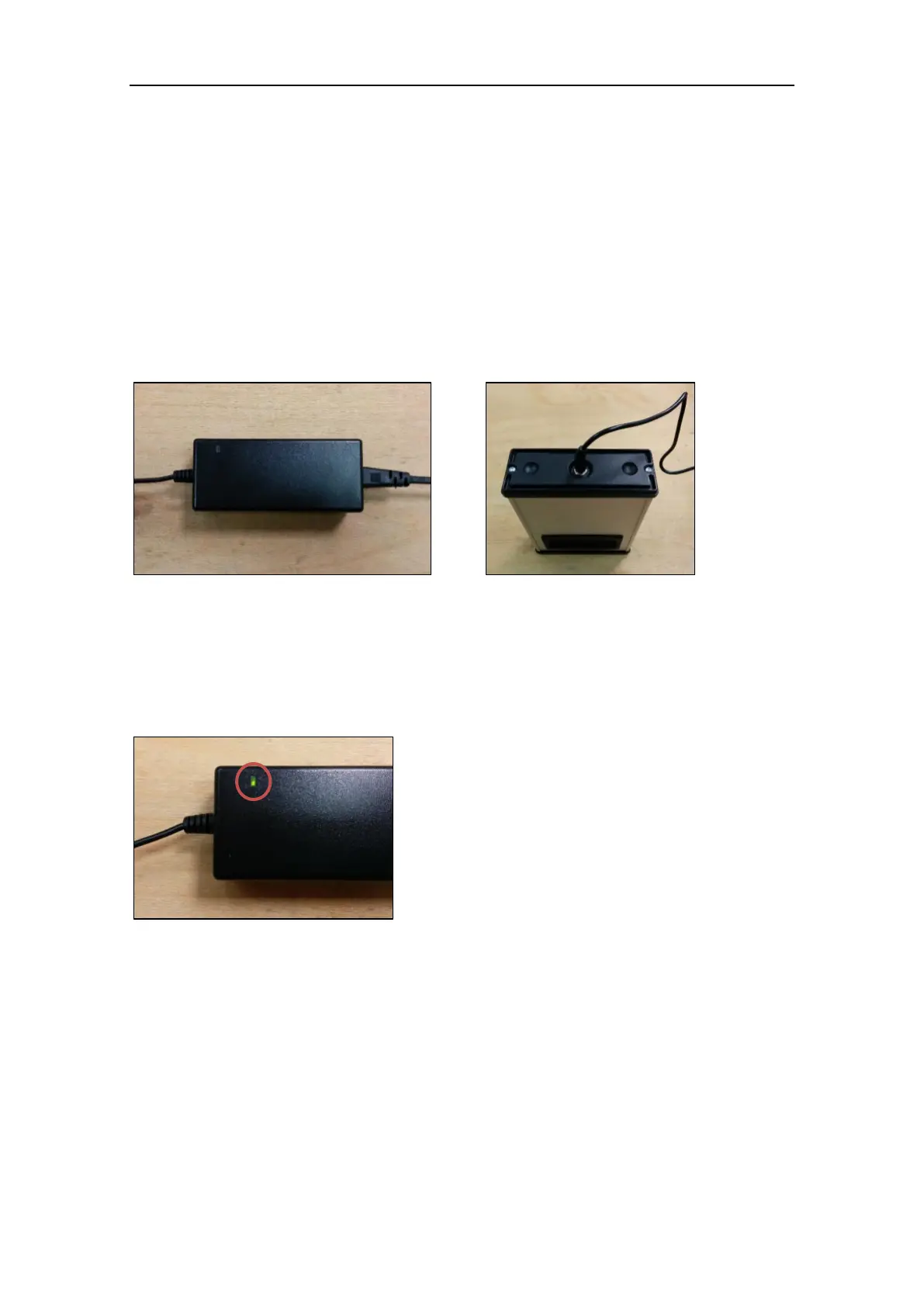
1. Connect the AC cable to the power pack as described in Figure 11.
2. Plug the power connector to the battery as described in Figure 12.
3. Connect the external power unit to the power source.
During the charge, the status light on the power pack will inform you about the charge
progress (Figure 13).
The charging time for a completely discharged battery is about 3 hours.
Red solid light: the charge is in progress. Do not disconnect the battery.
Green solid light: the charge is complete. Disconenct the battery from the power source.
Figure 12: Plug the power connector
Figure 13: Charge status light



 To Next Page