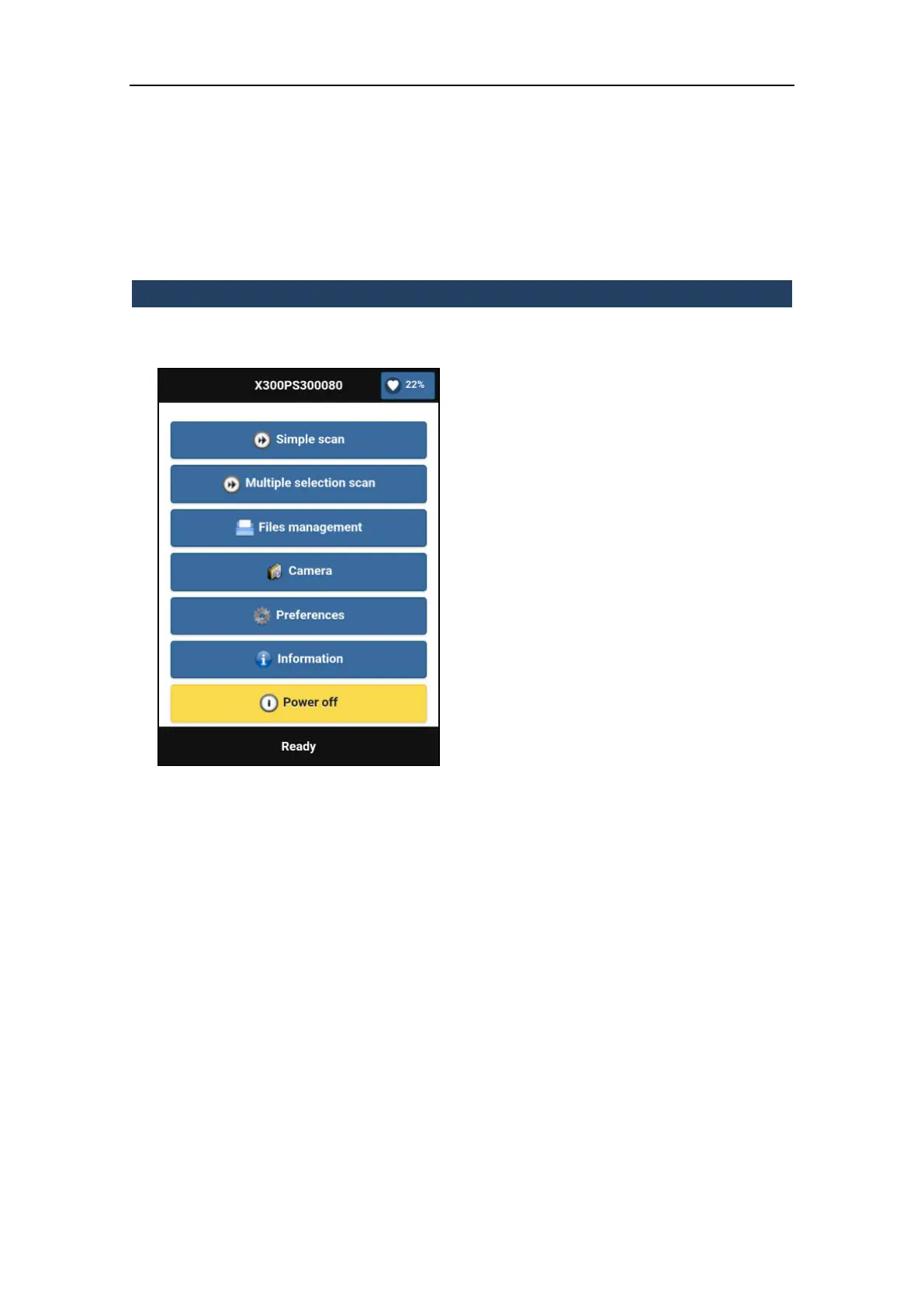
3.5.1 Home page
Simple scan
Enter the single scan procedure
Multiple scan
Enter the multiple scan procedure
Files management
Browse and manage stored data
Camera
Enter the camera settings menu and preview
thumbnail
Preferences
Enter X300 preferences:
Language: change interface language
Security: allows to enable/disable the
network protection
Calibration settings
Home position management
Enable/disable the red tracking line
Upgrade X300 firmware
Information
Device and software details
Power off
Close all the running processes and turn off
the scanner.
Battery percentage
It’s shown in all screens



 To Next Page