20
3.2 Power off the scanner
There are two ways to power off the X300 laser scanner.
3.2.1 Standard power off
3.2.1.1 Up to firmware version 0.4.100
1. Push and hold the power button
2. After a while a beep will be emitted, continue to press the button
3. A second beep will be emitted, continue to press the button
4. After a while, a series of beeps will be emitted. If you release the button during this
phase, a Standard shutdown will occur:
o A short beep is emitted
o A long beep is emitted
o The system is powered off
3.2.1.2 Firmware version later than 0.4.100
1. Push and hold the power button
2. After a while a beep will be emitted, continue to press the button
3. A second beep will be emitted, continue to press the button
4. After a while, a series of beeps will be emitted. If you release the button during this
phase, a Standard shutdown will occur:
o A short beep is emitted
o A long beep is emitted
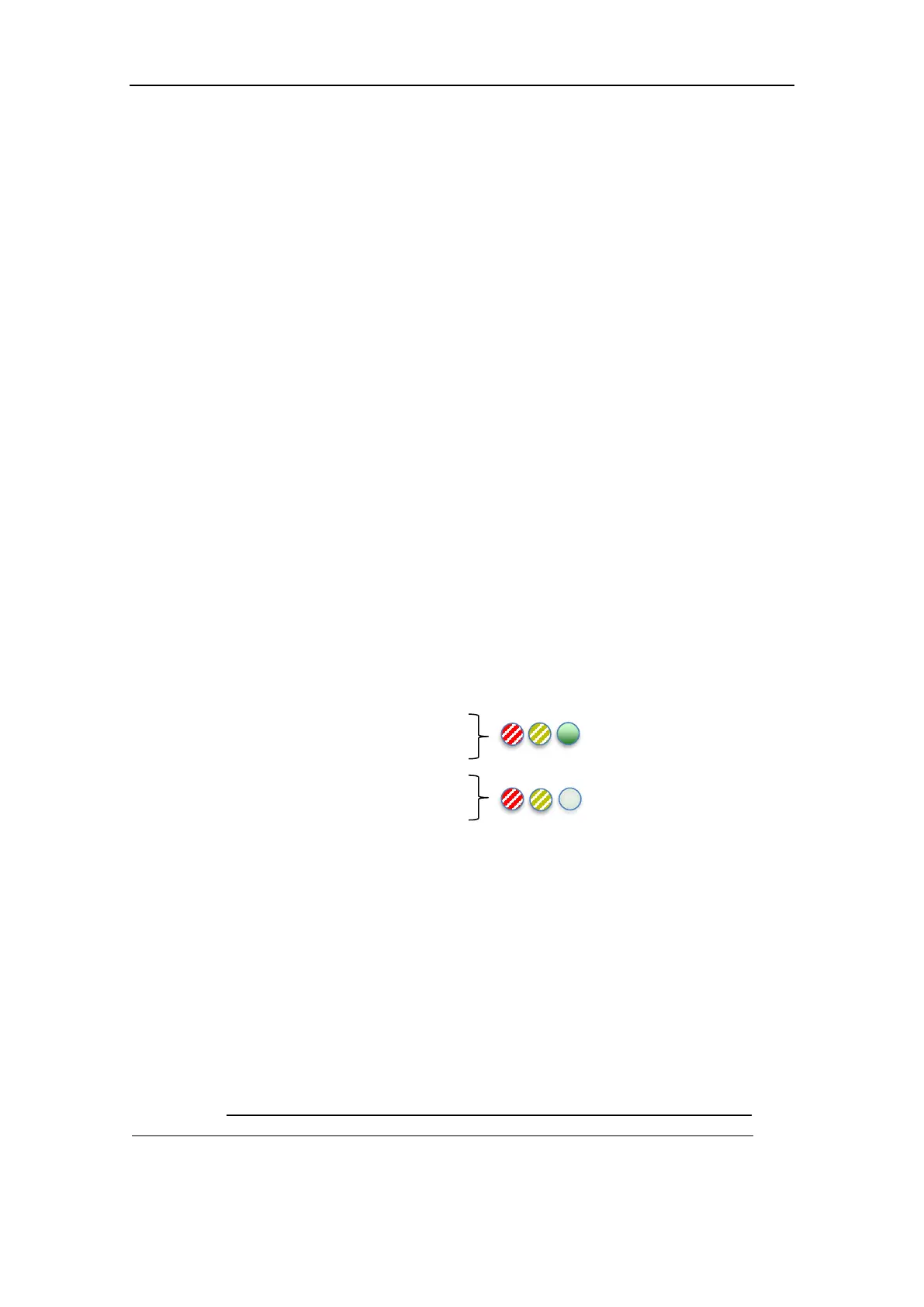
o STATUS LEDs:
GREEN solid on
YELLOW and RED blinking
o GPS LEDs:
GREEN off
YELLOW and RED blinking
o The progress bar displays a count-down (from right to left)
o The system is powered off
3.2.2 Forced power off
If the system does not shut down using the Standard power off procedure, you can try to force
the shut down:
1. Follow the steps for the Standard power off (par. 3.2.1.1) but do not release the button
after the step 4.
2. Another beep will be emitted
3. Immediately after the beep, an endless series of very short beeps will be emitted.
Release the button now: the system will be forcibly powered off.
WARNING! – Under normal circumstances, always use the Standard power off procedure.
All data will be lost if the scanner is forced to power off during scanning or saving process.



 To Next Page