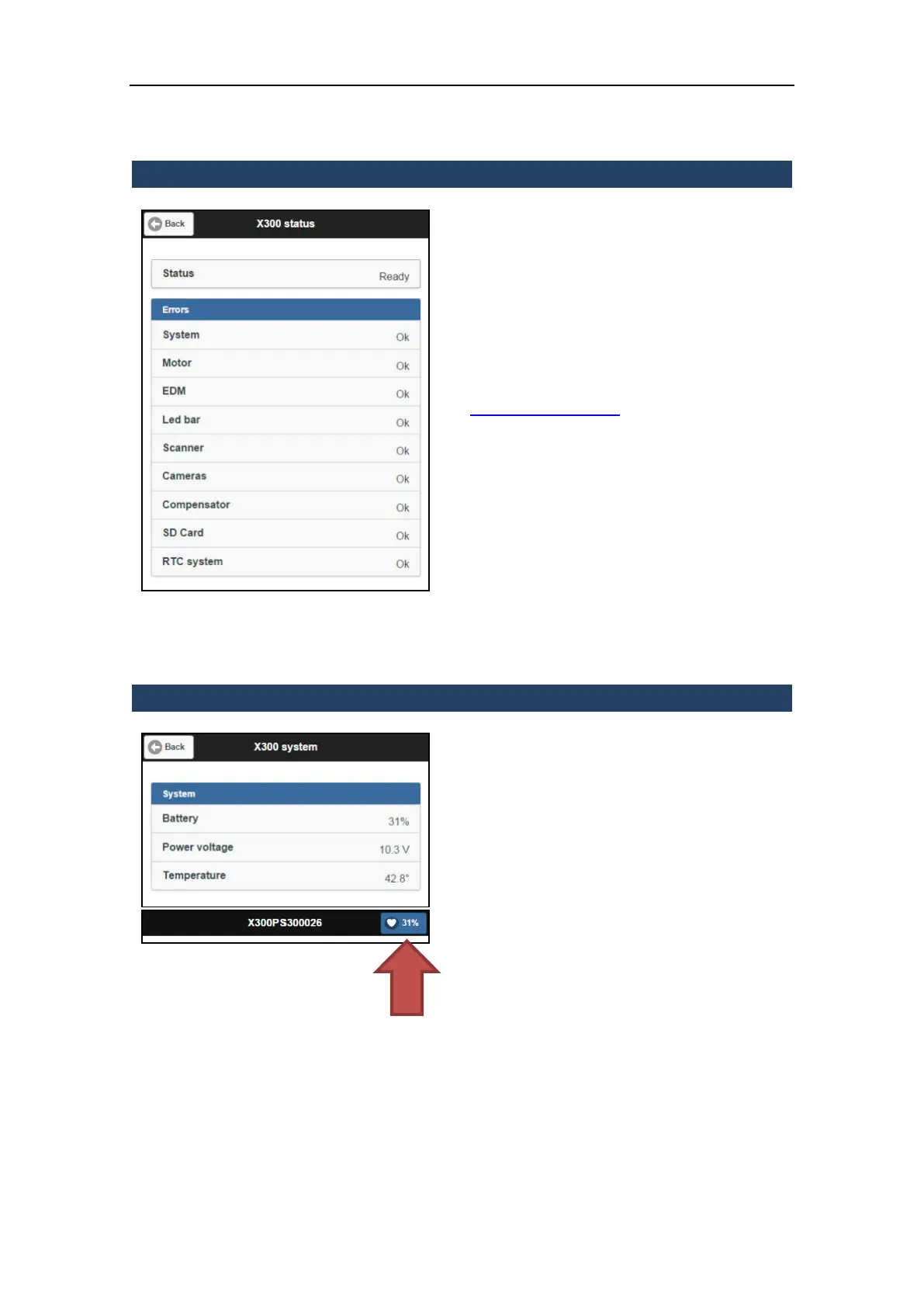
3.5.9.1 X300 Status
This page checks and displays whether the
hardware components inside the scanner are
correctly powered and running.
The components that are working properly
are marked with the initials “OK”.
If the Status is other than “Ready”, please
contact Stonex Laser Team support at
Laser.Team@stonex.it, providing the .X3K file
(see par. 3.5.9.5)
3.5.9.2 System
Allows to check:
Battery level
Power voltage
Internal temperature
The battery level is also visible in the battery
notification icon located in the upper-right
corner of the main page (red arrow). It’s
shown in all screens.



 To Next Page