3.5.7 Camera
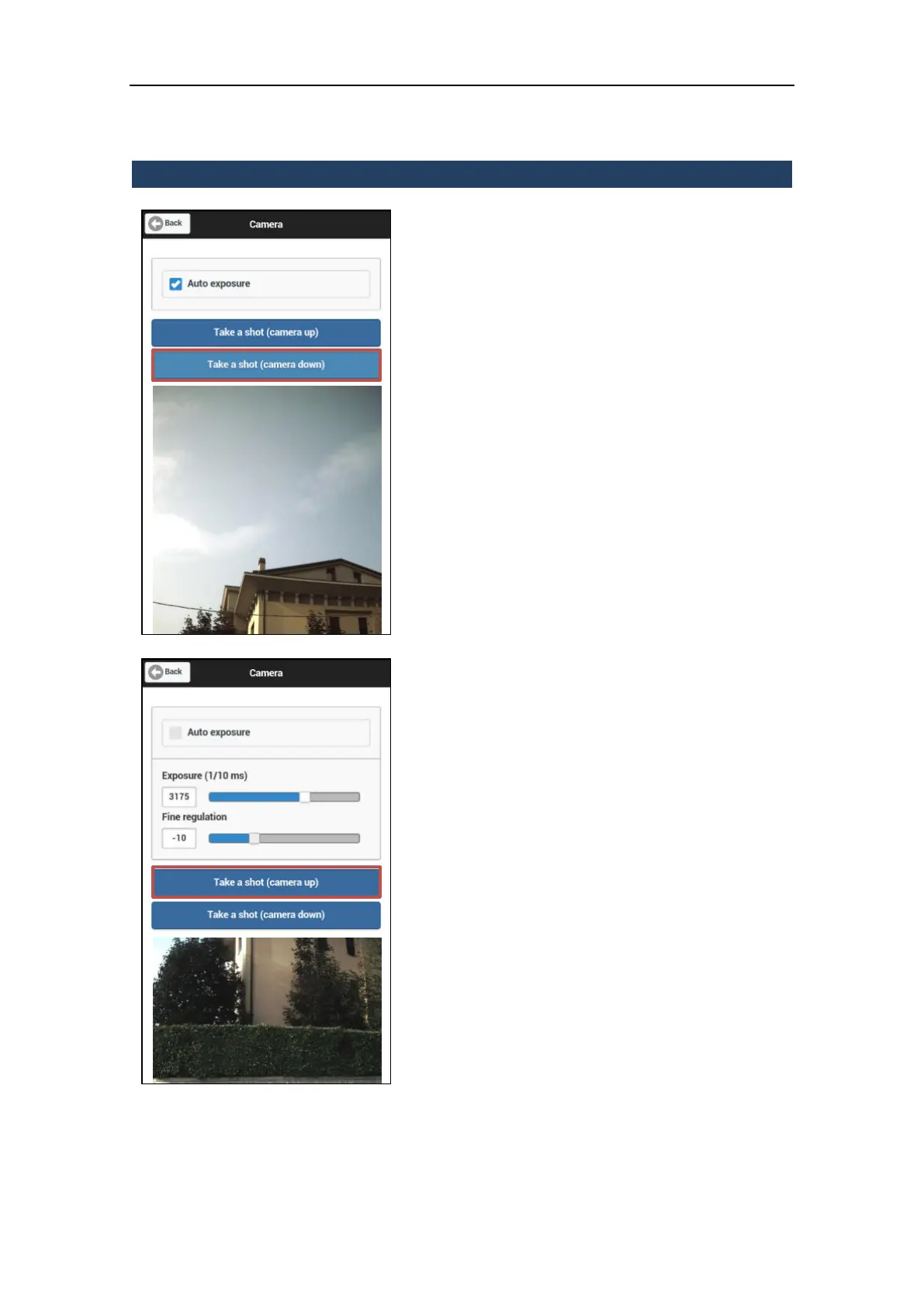
From this menu it is possible to check the light
exposure of the digital cameras and take a
shot to check it on camera up and down
separately.
Auto exposure
Flag this checkbox to activate the light auto-
exposure for each picture of the scan session.
Press the Take a shot button to acquire a
picture preview from the selected camera:
Camera up: the upper camera, facing
forward.
Camera down: the lower camera, facing
upward.
Manual exposure
Enter manually the exposure value or slide
the cursor to change it.
Press the Take a shot button to acquire the
picture from the selected camera:
Camera up: the upper camera, facing
forward.
Camera down: the lower camera, facing
upward.
Tip!
In conditions of high ambient brightness,
adjust the first slider to the minimum (25 ms)
and move the second slider from left to right
until you find the right balance.



 To Next Page