65
3. X300 RAW file (x3r) (DISCARDED from firmware ver. 0.5.74)
This is the raw source format used to create the scan files in real time and store them
inside the X300 memory.
Compared to the previous two, this is a more compact and lightweight format.
It can be equipped with camera pictures that can be used to create the “color” layer
when imported in Stonex Reconstructor.
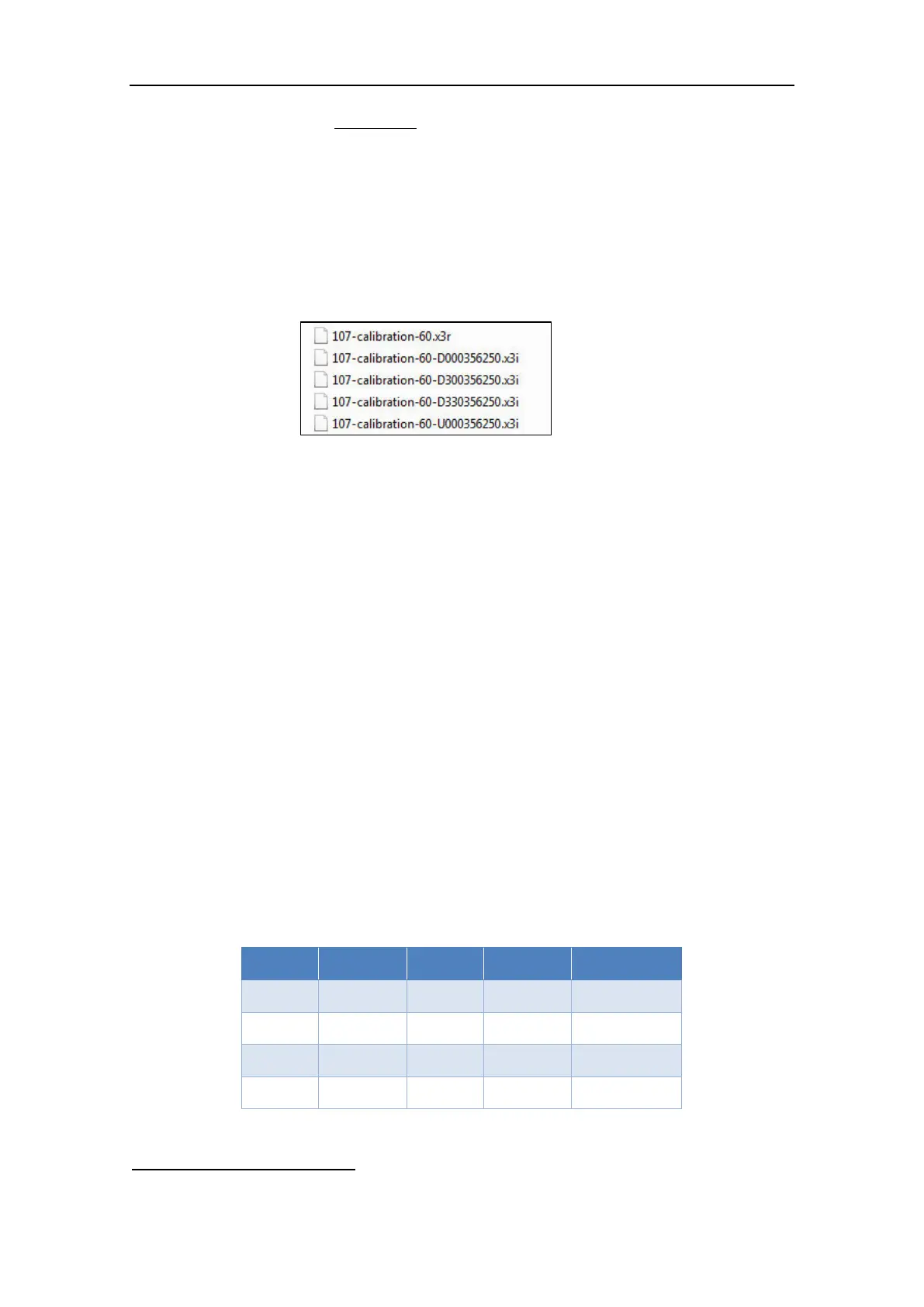
If a scan project is equipped with camera pictures, the final dataset is made by:
namefile.x3r: one file containing the raw scan data.
namefile-value.x3i: raw files containing the pictures related to the scan.
The number of the raw pictures varies according to the width of the horizontal scan angle.
4. X300 RAW Archive file (x3a) (adopted from firmware ver. 0.4.80):
This is the new file format which wraps the scan data into a single compact file.
The files packed inside x3a are:
namefile.x3r: raw scan data file (see above point);
namefile-value.x3i: raw files containing the pictures related to the scan (if any);
namefile.x3m: it is created if the dataset contains multiple-scans (see par.
3.5.3 and par. 4.3.4);
U_X300S/N.cal: calibration file of camera Up;
D_X300S/N.cal: calibration file of camera Down;
The X300 archive format x3a is available for the download with both Wi-Fi/LAN and
USB driver.
NOTE – x3a archive, x3r and x3i format files must be converted before importing them in Stonex
Reconstructor. See par. 4.3.2 for further details.
4.2 File size
The following table reports the raw data size at different scan resolutions (100% valid points).
Table 8: File size
6
The compression rate to generate the 2D view is 2000 points per column.



 To Next Page