40
3.5.4 Single point measure
The single point function allows to pick up points inside the scan window and calculate the
distance of the selected point from the scanner center.
The measured points can also be saved and downloaded in ASCII txt format.
It is also possible to measure the distance between two selected points within the same point
cloud (par. 3.5.5).
The single point measure is available for all the X300 scan modes, with the following constraints:
Table 7: Constraints to single point measure
If the dimension of the horizontal angle is larger than the values reported in the table above, the
single point calculation cannot be carried out and a warning message is displayed.
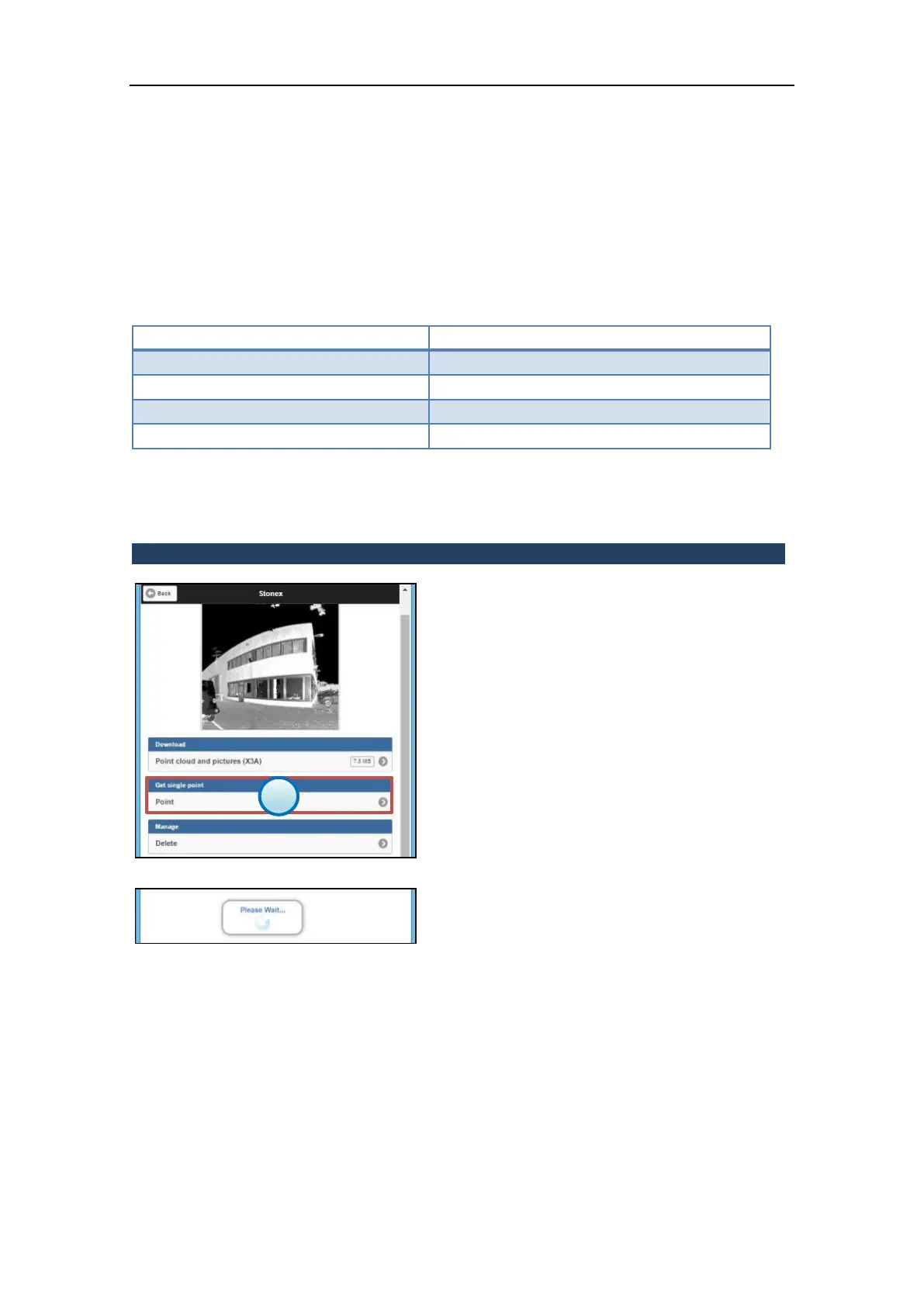
The single point measure function is available
in the Files Management menu (par. 3.5.6) for
every scan file stored in the X300 internal
memory.
1. Get single point menu
Press the Point button to enter the Single point
measure menu.
Wait that the high quality preview of the scan
is loaded and displayed.



 To Next Page