24
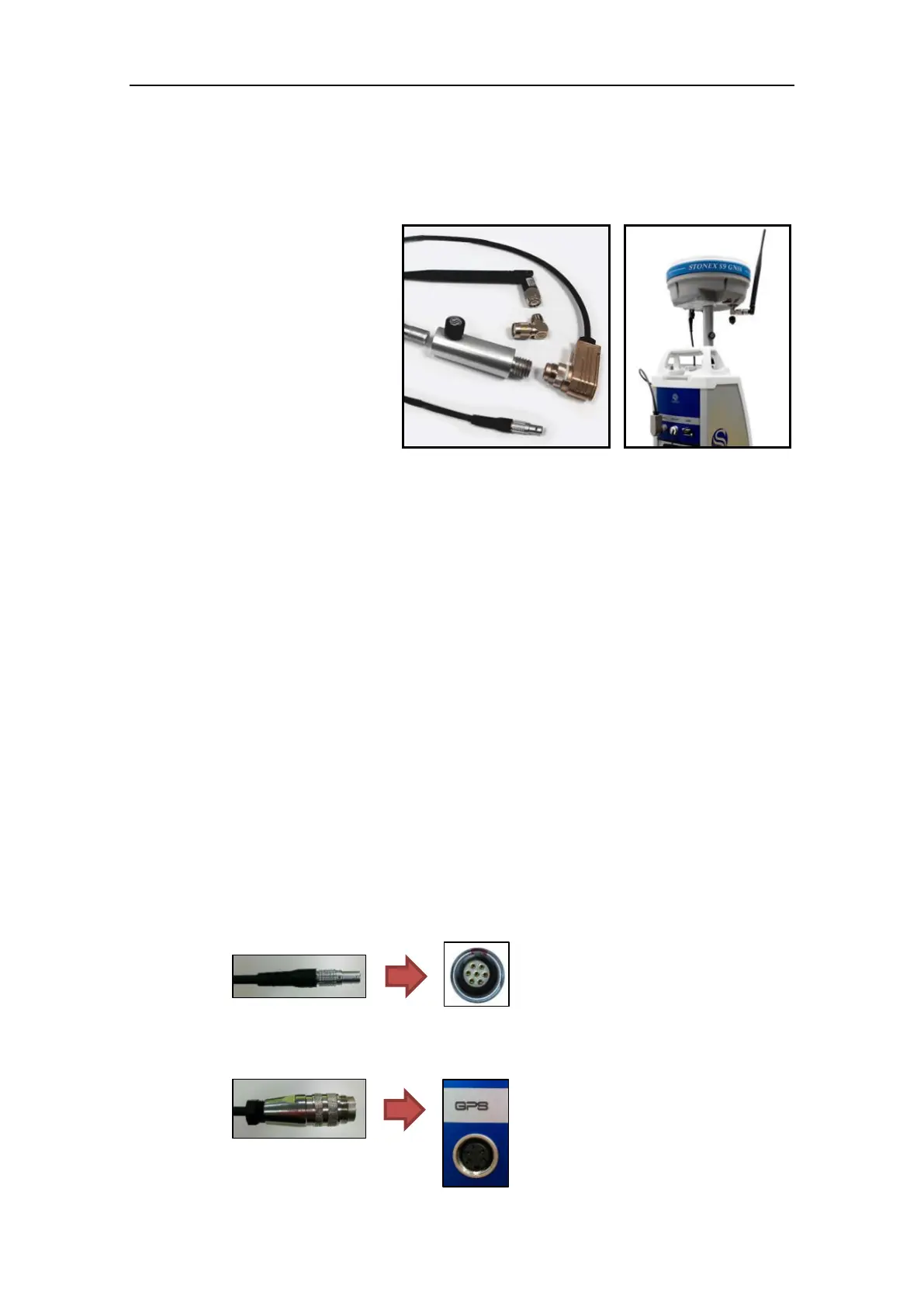
3.3.2.1 Stonex GPS kit
Stonex GPS kit is designed and tested to comply with the Stonex GNSS receivers’ family.
The supported Stonex GNSS receivers are listed hereunder:
- S9 III
- S9 III N
- S9 III Plus
- S9 III N Plus
- S8
- S8 N
- S8 Plus
- S8 N Plus
- S10
- S10 N
Stonex GNSS receivers has to be configured as follow:
Enable the output of NMEA GGA ($GPGGA) sentence at 1Hz data rate through the
integrated 7-pin Lemo serial port.
Refer to the receiver user guide and documentation to learn more about configuration
and settings.
Enable the RTK (Real Time Kinematic) corrections via Ntrip service or UHF radio.
Refer to the receiver user guide and documentation to learn more about configuration
and settings.
NOTE – It is mandatory to set the GNSS receiver in differential mode, so as to receive RTK
corrections via Ntrip service or UHF radio.
The coordinates are stored only when the GPS receiver gets a fix quality equal to “RTK”.
Connect the GPS kit as follow:
1. Mount the configured GNSS receiver on the leveled X300 laser scanner using the two
section pole with universal standard 5/8” fitting, then connect it using the GPS kit serial
cable:
- The cable end with the 7-pin connector goes to the GNSS receiver (bottom plate);
- The cable end with the 5-pin circular connector goes to the GPS port of the X300
laser scanner (see par. 1.3);



 To Next Page