69
4.3.3 Import and color the X300 point clouds
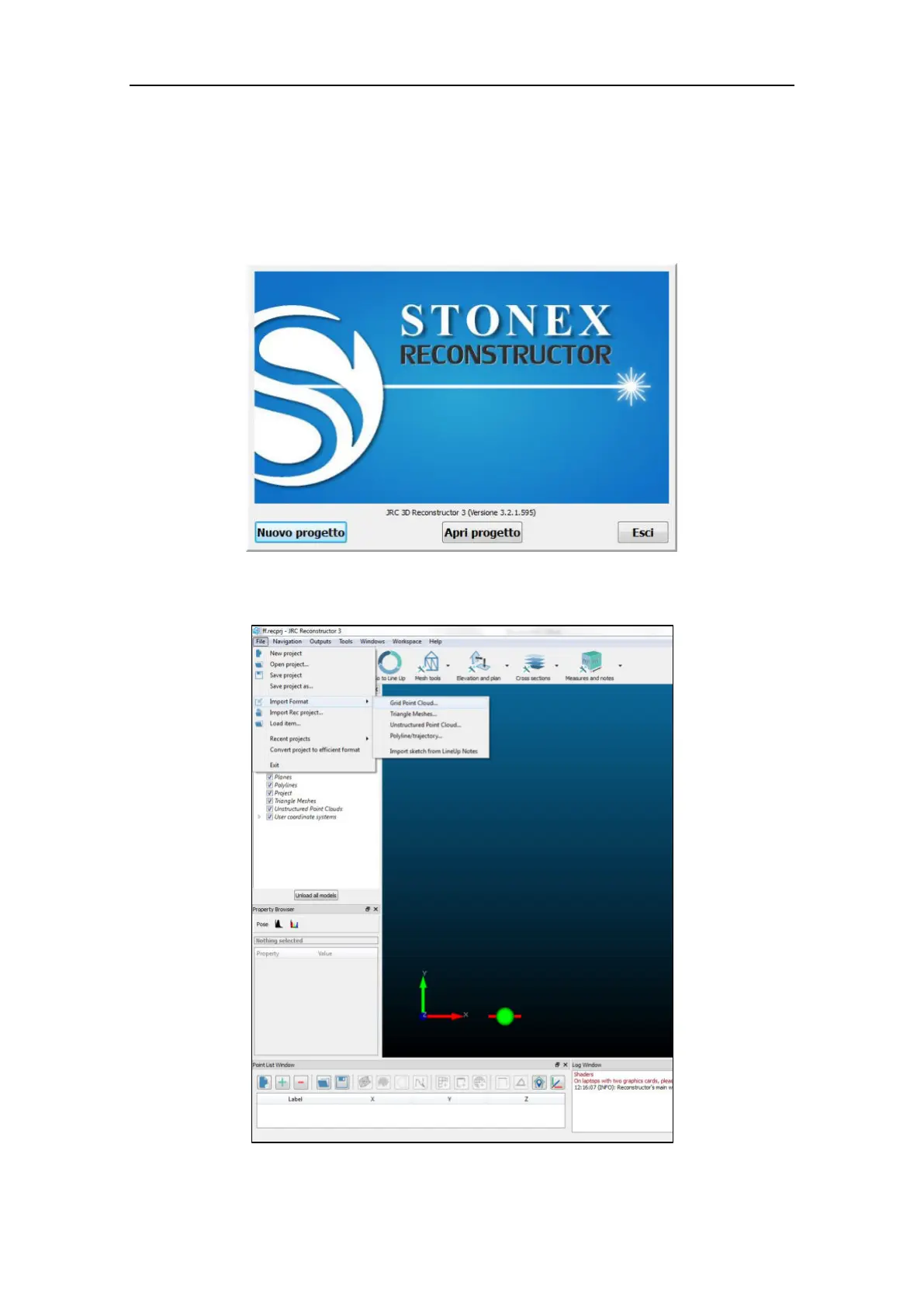
Open Stonex Reconstructor from the Windows Program menu.
Select New Project to create empty workspace or Open project to continue an existing
Reconstructor project. The import workflow is identical in both cases.
From the File menu, select Import Format and then Grid point Cloud.
Browse the hard disk and select the x3s files to import.



 To Next Page