68
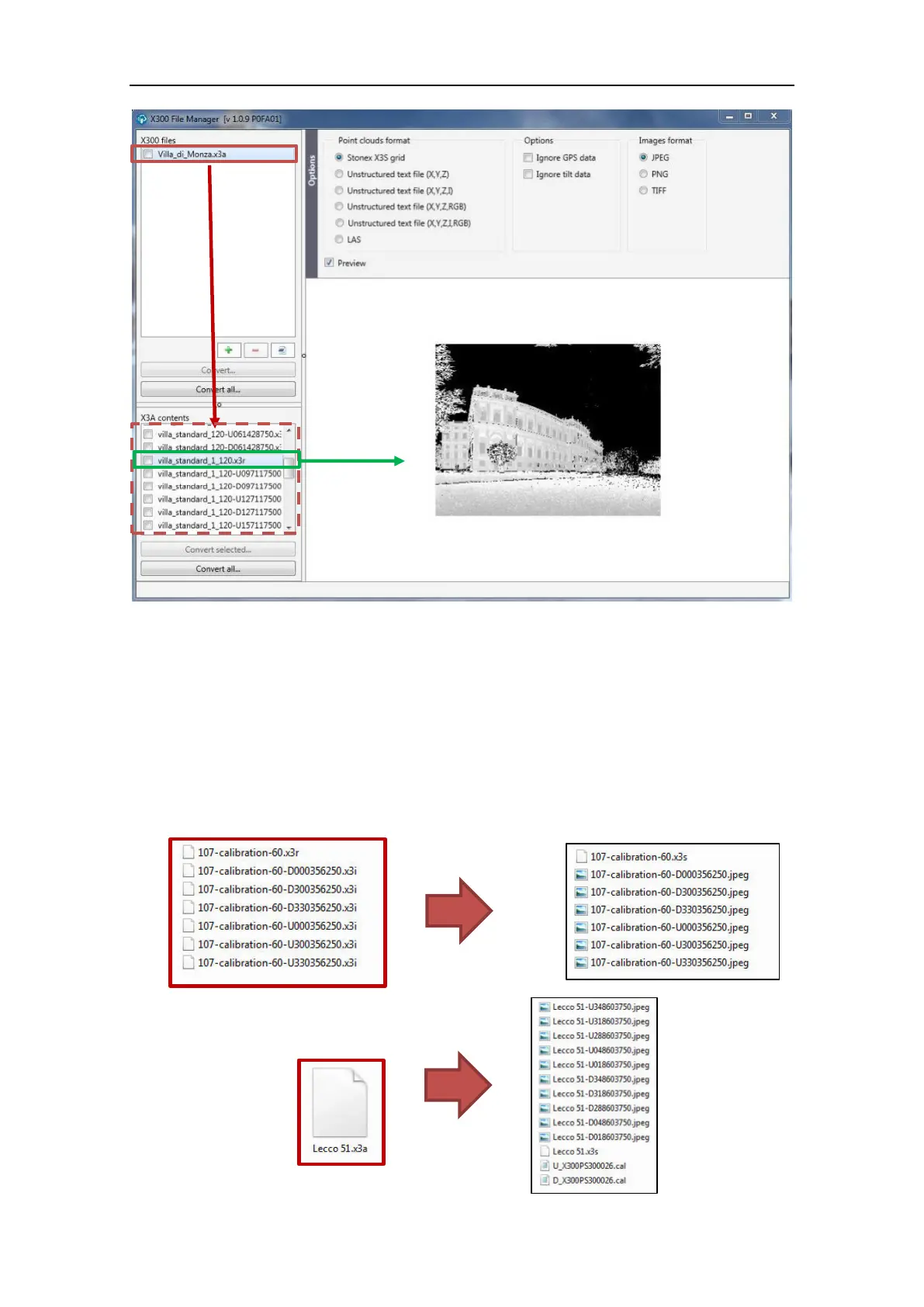
Convert and Convert all buttons have the same functions for both the two levels:
Convert: flag the scan file/s you want to convert and click on Convert.
Convert all: all the files in the list will be converted, independently from the flags.
If you want to convert a single or more selected files of an archive x3a, you can flag them in the
lower window and click on Convert button just under it.
When you click on Convert or Conver all button, a window with the folders tree will appear.
Select the folder in which you want to save the converted files.
The raw data folder is selected by default.



 To Next Page