29
3.4 Use of the onboard software
To operate the Stonex X300 Laser Scanner, all you need is a control device equipped with a
Wi-Fi hardware and a web browser, whether it is a pc, a tablet or a smartphone.
You do not even need to install any drivers or softwares, since the web interface server is built
into the scanner.
3.4.1 Tested OS and web browsers
The X300 web interface is based on HTML 5 markup language and it is compatible with most of
the latest browsers on the market.
The table 6 reports the operating systems and web browsers that have been successfully tested
with X300 web interface. Please, avoid to use Explorer web browser.
Android v.4.1.2 and later
Chrome (mandatory browser)
Table 7: Tested OS and browsers
3.4.2 Connect to X300
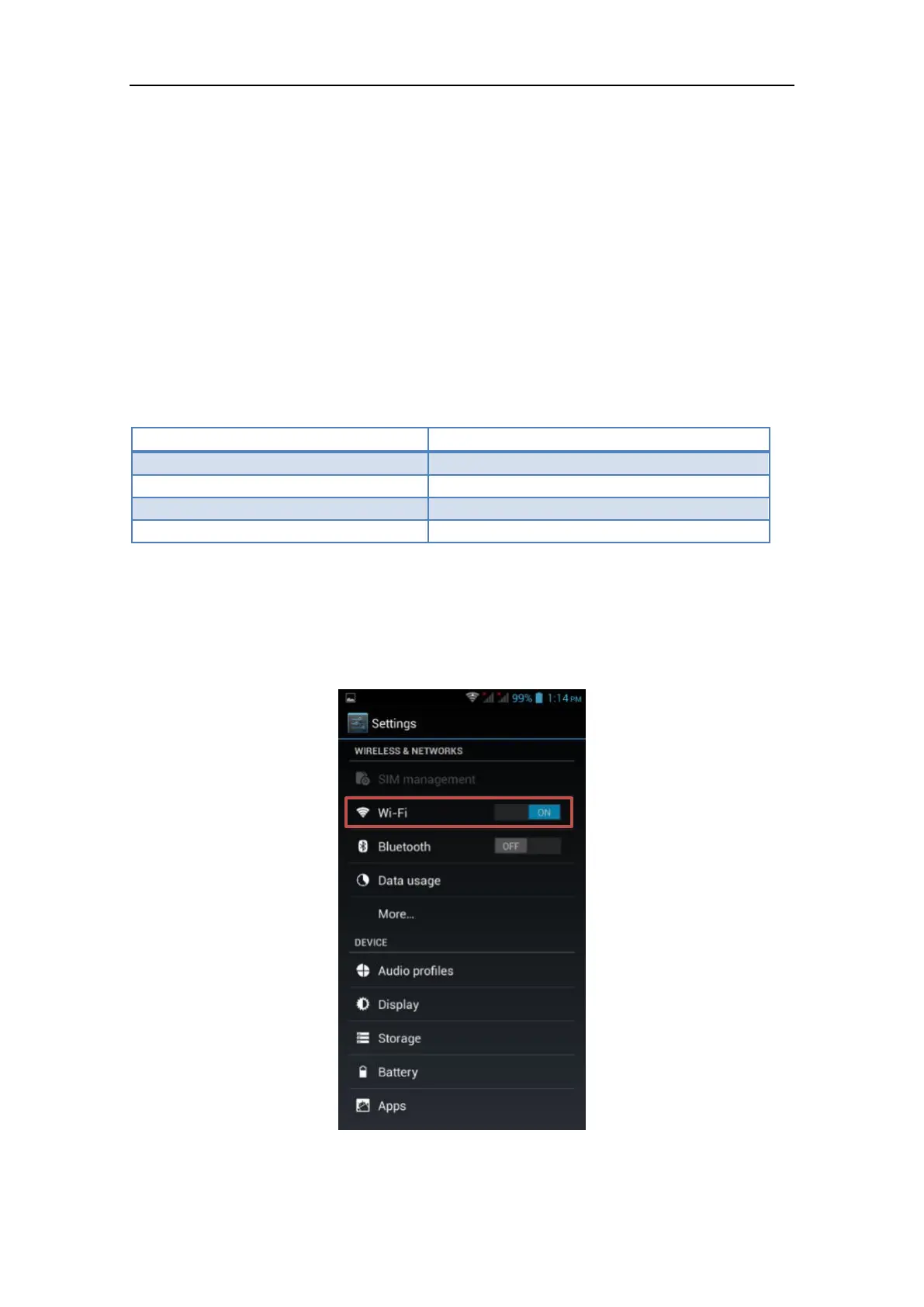
1. Enable the Wi-Fi on your handset/smartphone/tablet/computer
2. Search for the X300 wireless network using the OS connection manager: the X300 is



 To Next Page