19
Chapter 3: Operating the STONEX X300
3.1 Power on the scanner
The following workflow describes the operations performed during the power on process.
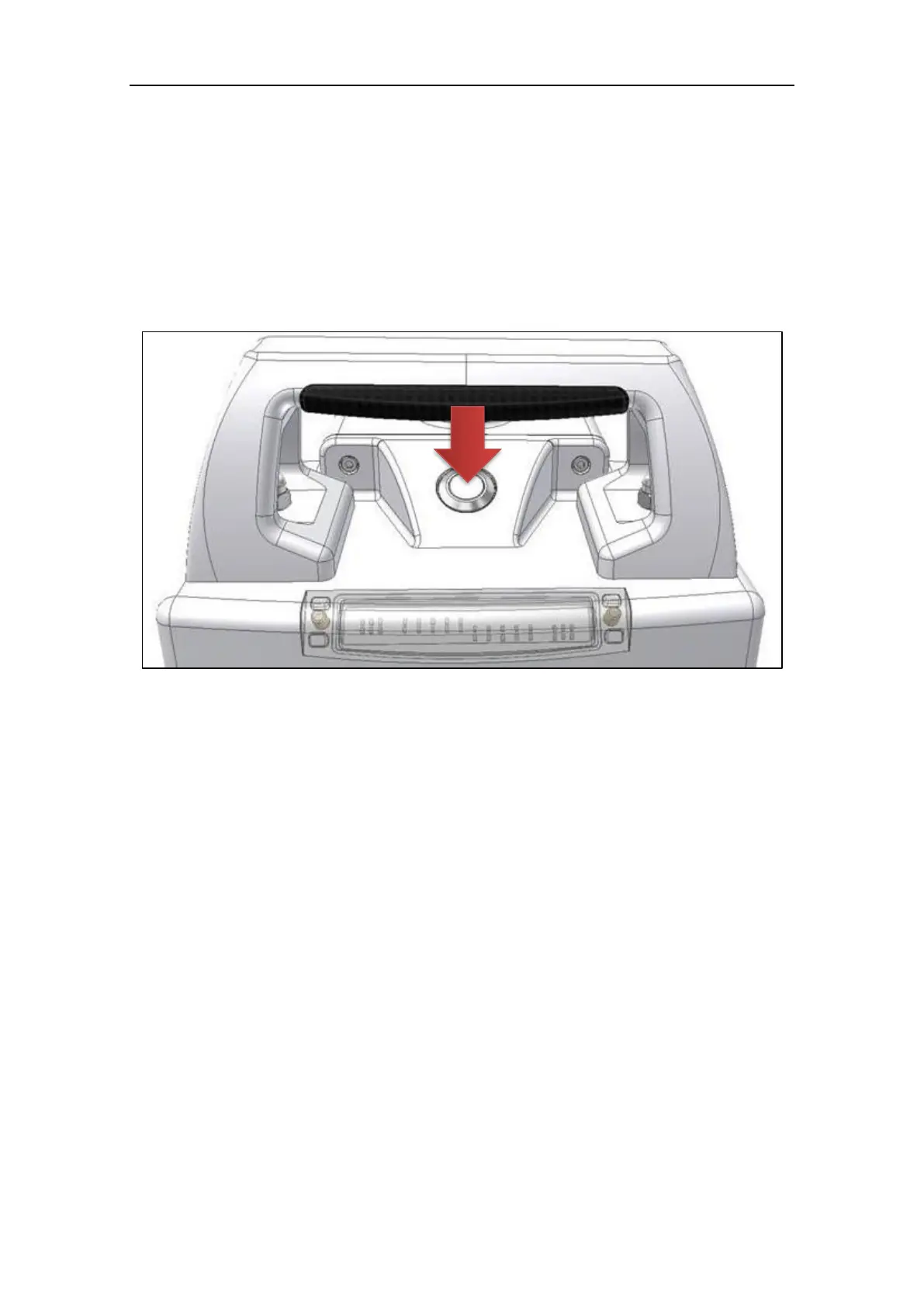
To power on the X300 simply press the power button on the top of the instrument.
There’s no need to press and hold the button: just push and release it.
Figure 14: power button
After a moment, all LEDs will turn on for a moment and a single beep is played.
Now the instrument is on.
The LEDs start to blink: this means that the X300 is doing the initialization procedures.
Two short beeps are emitted to signal that the system controller has done its work and
the microcontroller has started.
After a while, the Green and Yellow LEDs stay on.
The microcontroller is initializing all the devices.
If the devices initialization is ok:
o Yellow LED turns off and Green LED stays on
o Tree short beeps are emitted
If the device initialization is not ok:
o Yellow and Green LEDs turn off, Red LED blinks
o One long beep is emitted
o After a while, the microcontroller tries to initialize again
If the system is not able to initialize correctly, it continues to retry until the system is powered
off.



 To Next Page