3.5.8 Preferences
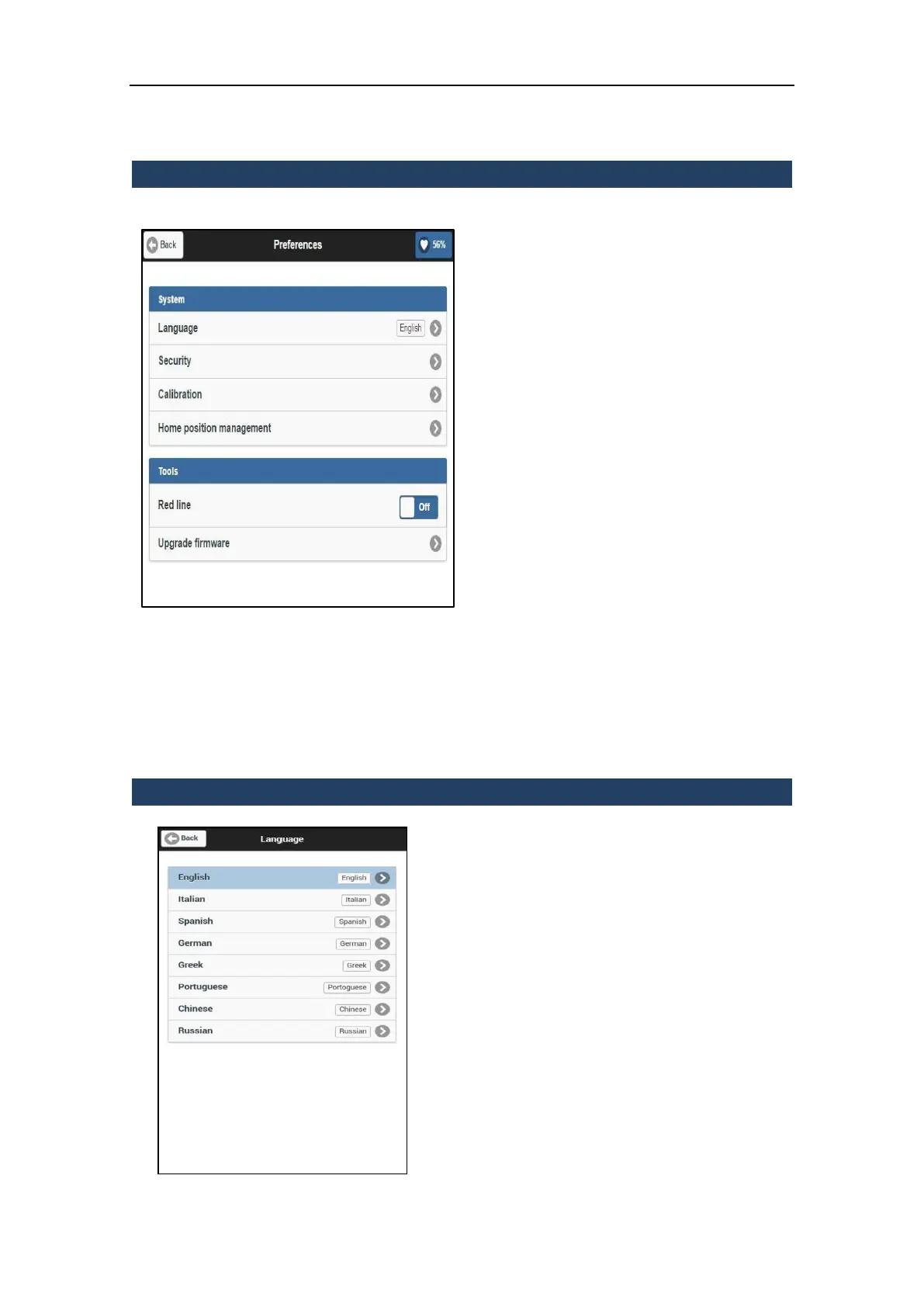
From this menu it is possible to manage the
system and tools preferences.
System
Language: change the software language
(see par. 3.5.8.1)
Security: modify the protection settings
of the Wi-Fi/Lan cable connection (see
par. 3.5.8.2)
Calibration: enter the digital
compensator menu (see par. 3.5.8.3)
Home position management: set the
index position of the maser scanner
(factory or user index)
Tools
Red line: enable/disable the visible laser
tracking light (not for measures)
Upgrade firmware: enter the menu for
the upgrade of the X300 internal
firmware (see par. 3.5.8.4)
3.5.8.1 Language
From this menu it is possible to change the
default language of the X300 onboard
software.
Tap on a language to apply the change.
NOTE
Stonex will periodically release additional
language packs, independently or upon
request, at the discretion of Stonex.



 To Next Page