72
4.3.4 Import the X300 multiple-scan point clouds
Multiple-scan automatic grouping is available from the v. 3.2 of Stonex Reconstructor.
When a multiple-scan dataset is imported, Stonex Reconstructor automatically places the
elements in a group with “children move together” registration property.
As consequence, all the scans inside the group are bound together and treated as a single object
during the registration against other point clouds, making the procedure faster and less error-
prone.
Previous versions of Stonex Reconstructor can import multiple-scan data as single scans. The
group and the registration property can be manually set by users at the end of the import session.
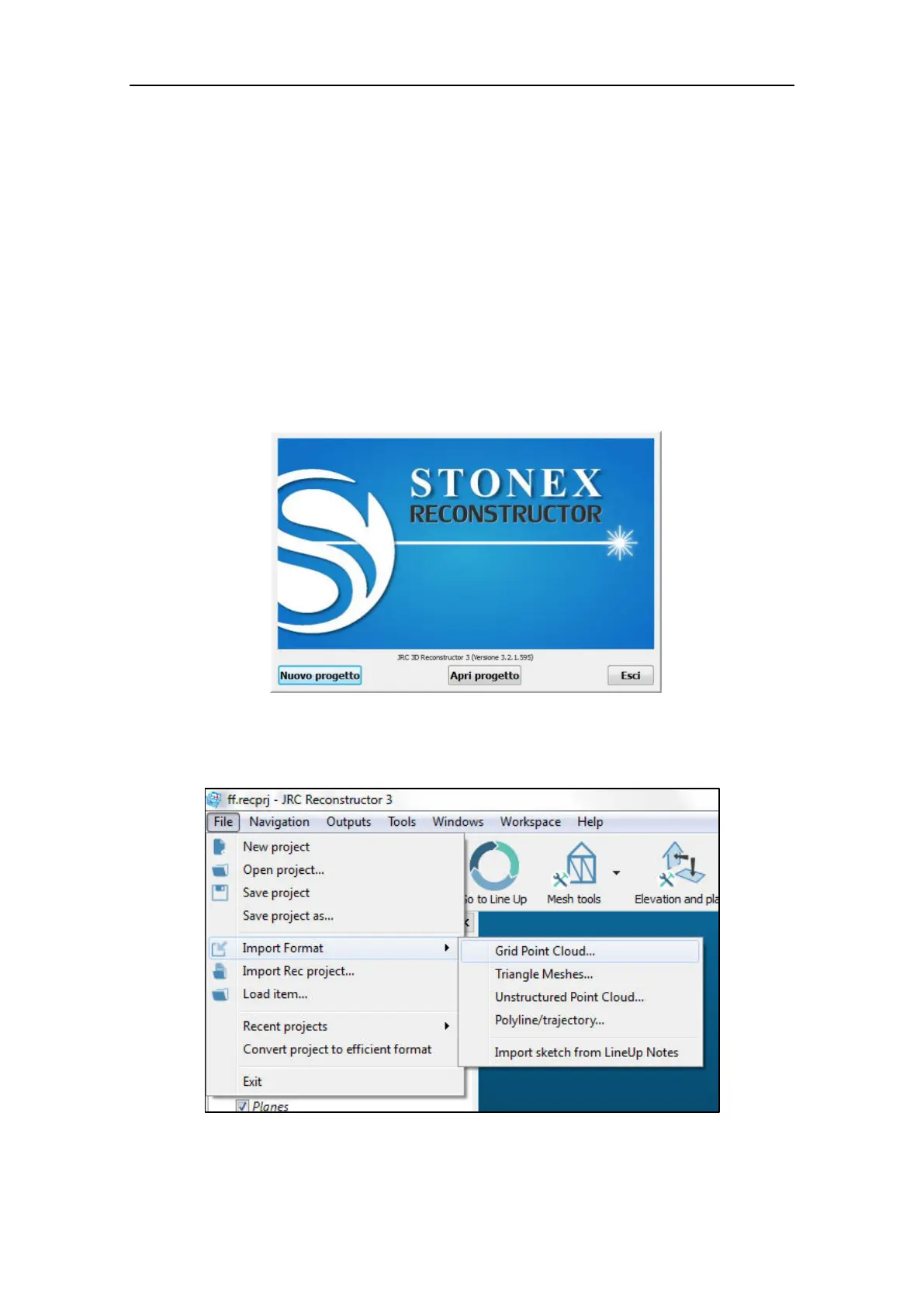
Open Stonex Reconstructor from the Windows Program menu.
Select New Project to create empty workspace or Open project to continue an existing
Reconstructor project. The import workflow is identical in both cases.
From the File menu, select Import Format and then Stonex multiple scans (*.x3m).



 To Next Page