73
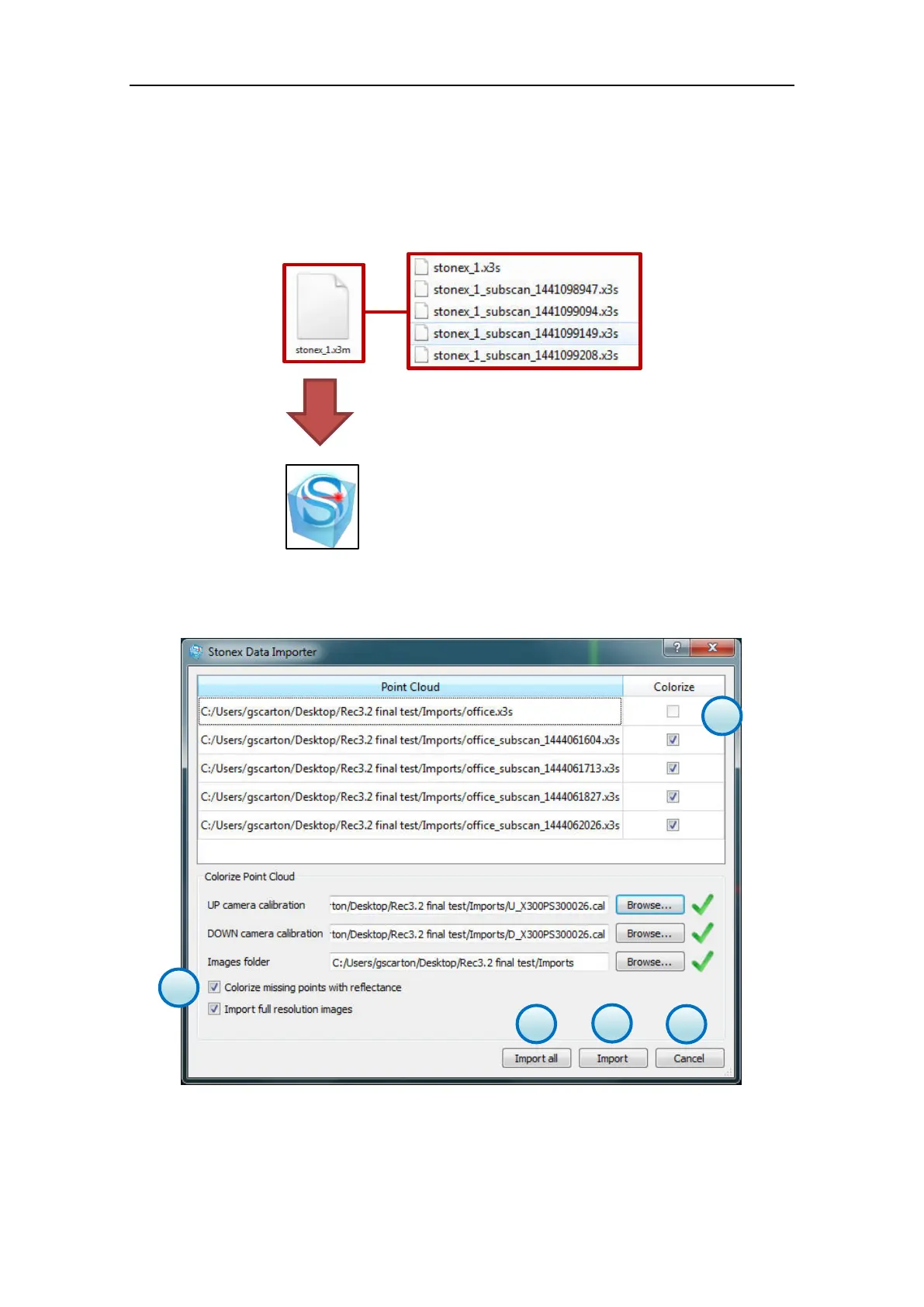
Browse the hard disk and select the X3M files to import.
The X3M files does not contain any point cloud data, it is a link to the multiple-scan dataset and
must be placed in the same folder of the X300 raw data (x3s).
X3M files allows to import and group the multiple-scan dataset in the Stonex Reconstructor project
window.
When you select the X3M
file, the LINE UP Wizard will guide you through the import steps.
A dialog will guide you also through the point clouds colouring (color blending).
a. Colorize Point Cloud
Activating this checkbox, the coloring of the point clouds with pictures will be enabled.
The calibration files (cal) as well as the pictures are automatically loaded (if stored in the same
folder of the x3s files).



 To Next Page