74
b. Colorize missing point with reflectance
(enabled): points not covered by images are displayed with the original reflectance values.
(disabled): points not covered by images are converted to “black points” (points without
reflectance value) that can be filtered out and deleted using the automatic filtering functions.
c. Import All
Press Import all to import all the selected scan in sequence.
d. Import
Press the Import button to import each scan separately.
e. Cancel
Press the Cancel button to abort the import process.
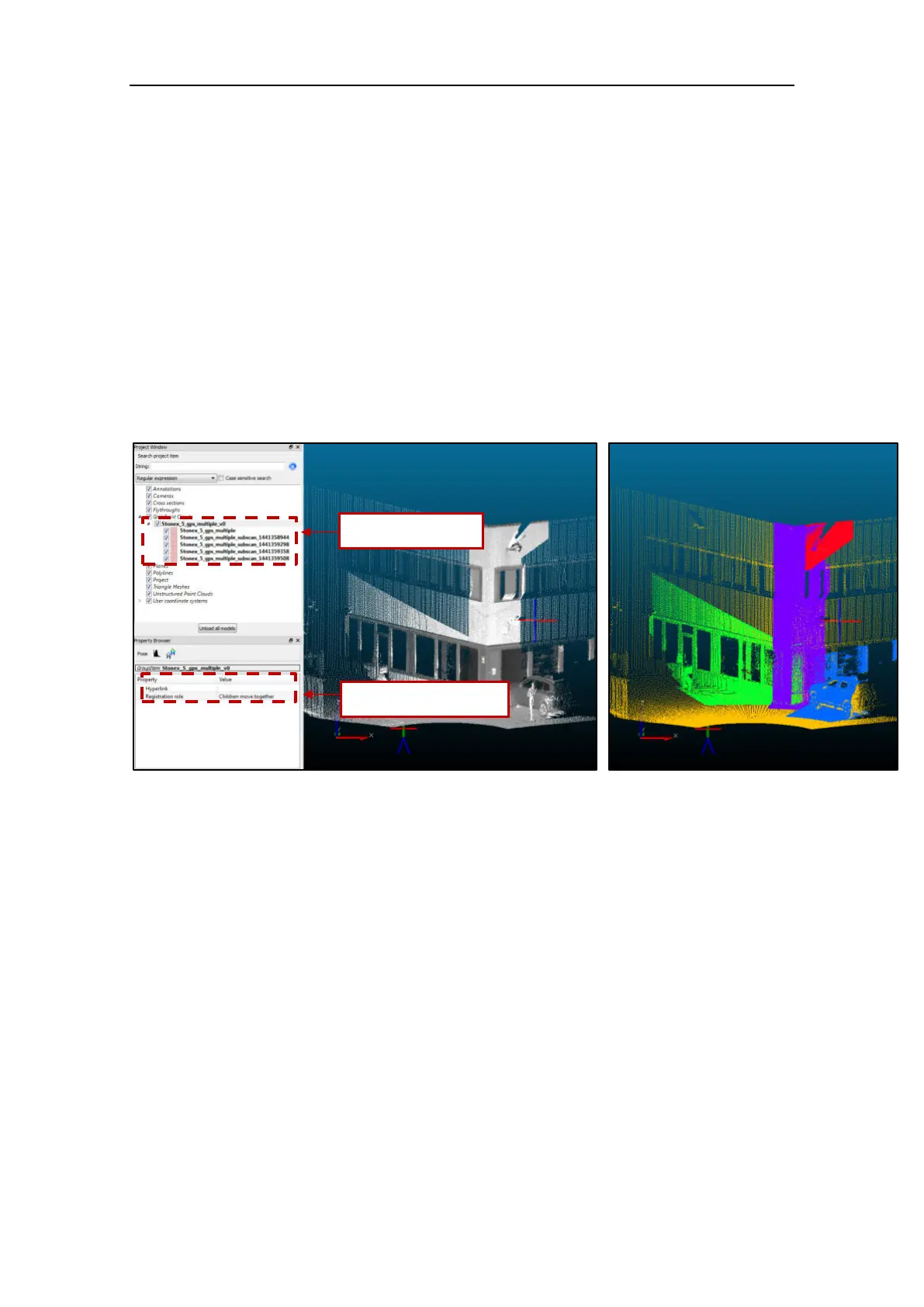
The program automatically creates a group with the same name of the reference scan and
apply the “Children move together” registration property.



 To Next Page