3.5.5 Measure the distance between 2 points
The single point measure function is available
in the Files Management menu (par. 3.5.6) for
every scan file stored in the X300 internal
memory.
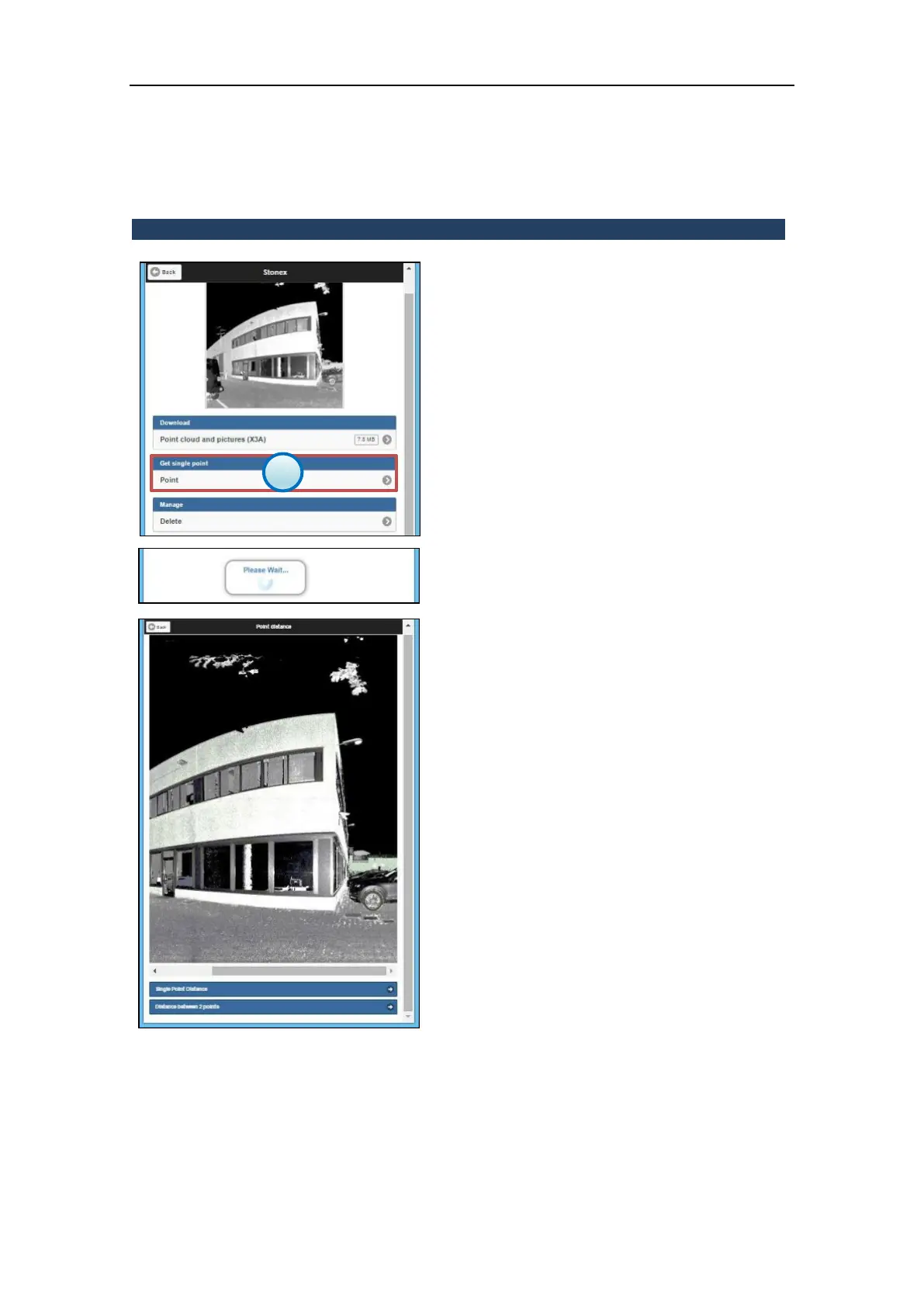
1. Get single point menu
Press the Point button to enter the Single point
measure menu.
Wait that the high quality preview of the scan
is loaded and displayed.
When the high-quality preview is displayed, it
is possible to slide the image from right to left
and vice versa using the cursor (pc) or fingers
(touchscreen)



 To Next Page