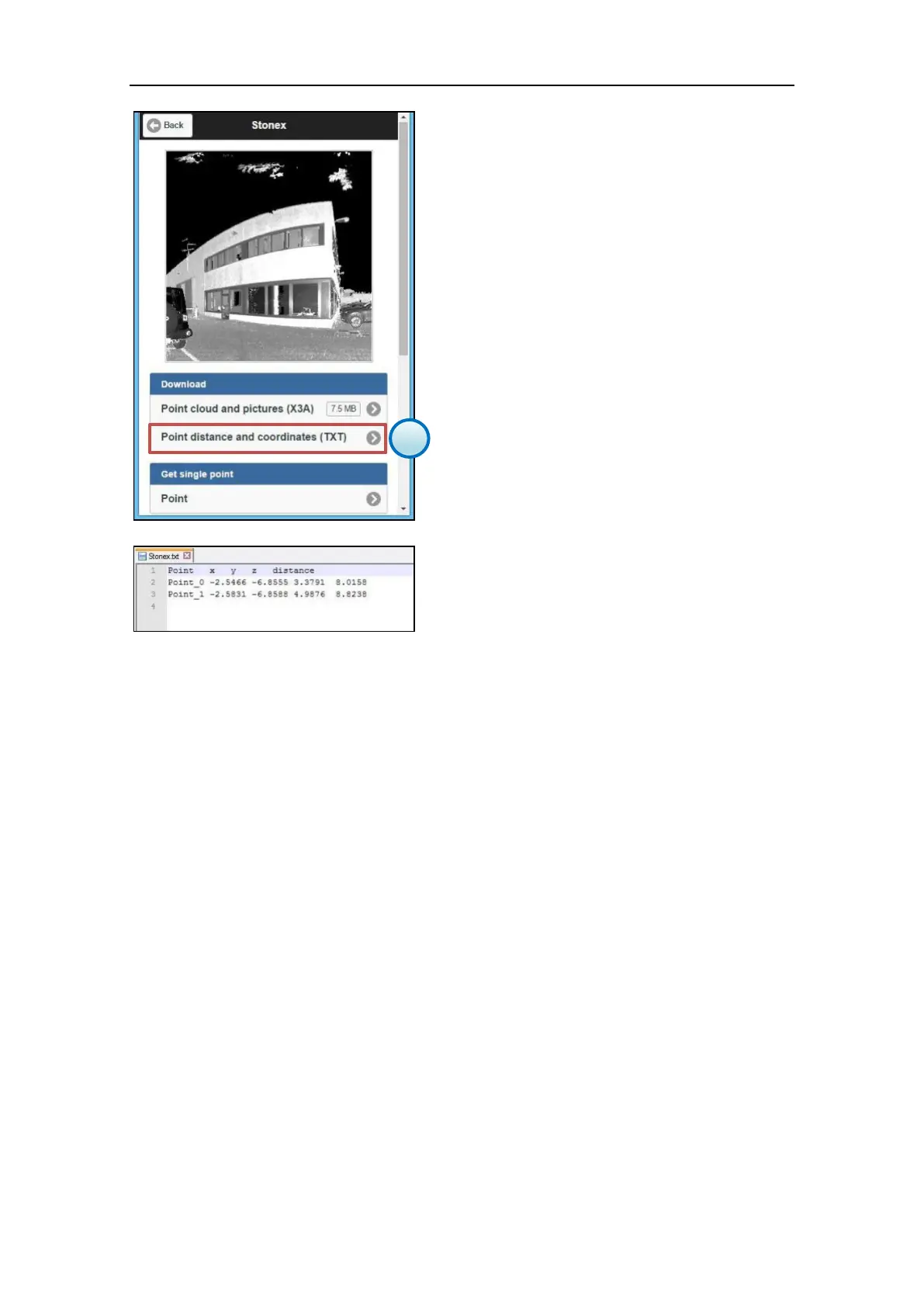
5. Download the points file
It is possible to download the points file in
ASCII .txt format from the File Management
menu (par. 3.5.6).
Open the scan file to which le points file is
linked an press the Point distance and
coordinates (TXT) button.
The X, Y, Z coordinates are reffered to the local
reference system of the scanner.
The distance is calculated between the scanner
(scan origin) and the target point.



 To Next Page