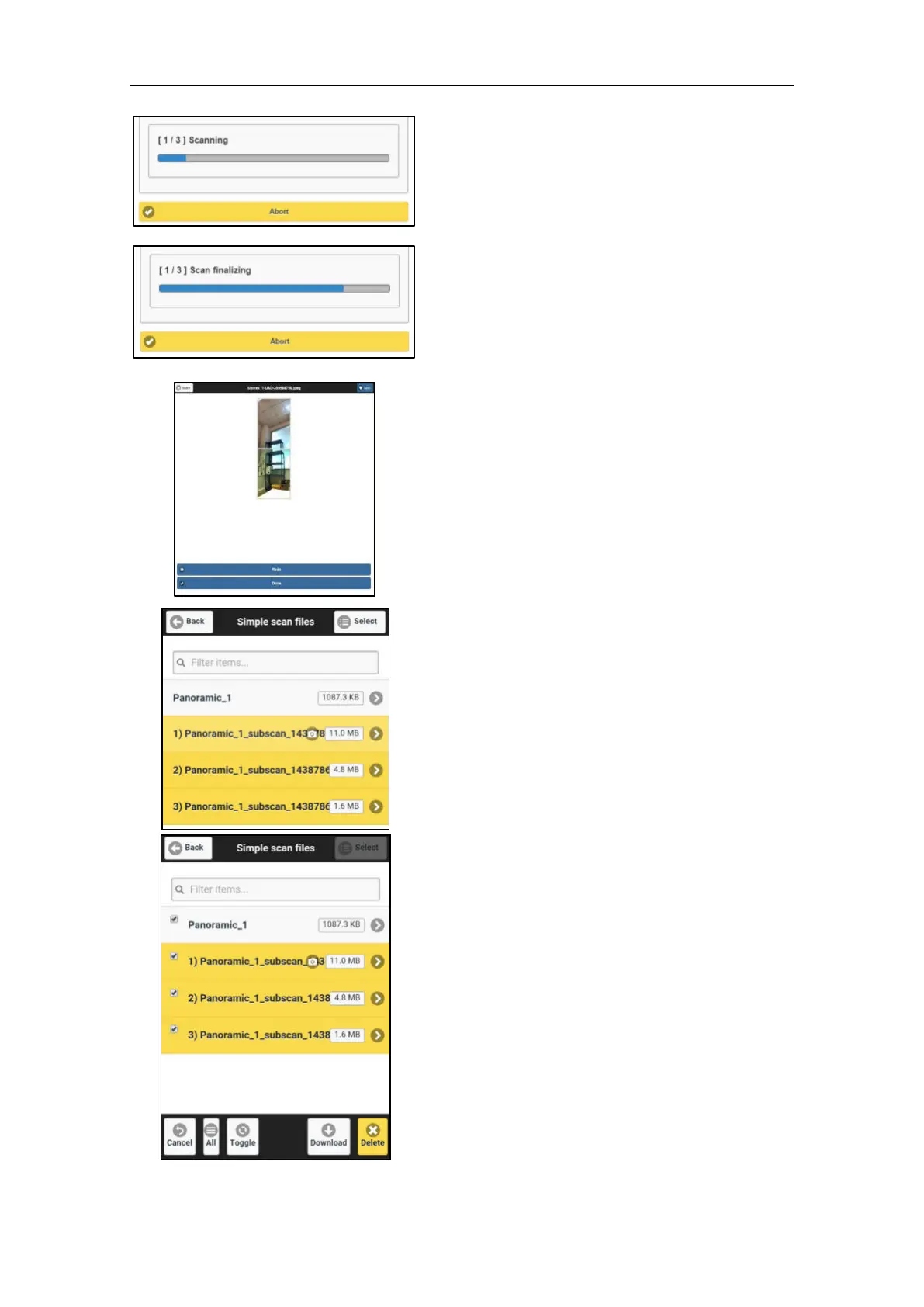
At the end of each scan the X300 will return to
the homing position and then move to the next
scan-frame, according to the following cycle:
Scan 1/n Home Scan 2/n Home
Scan 3/n Home …. Scan n/n Home
END SCAN
9. Checking and if necessary redo
photos
User can check each couple of photos and shot
again couple that he wants to redo. Previous
photos will be overwritten.
10. Managing scans
The scans are available in the Files
Management menu (par. 3.5.6), the sub-scans
are numbered and grouped under the
reference scan.
In the example on the left:
REFERENCE SCAN:
Panoramic 1
SUB-SCANS:
o Panoramic_1_subscan_1438786438
o Panoramic_1_subscan_1438786504
o Panoramic_1_subscan_1438786577
To download the whole scanset (reference +
sub-scans) at once, tap the Select button in the
toolbar (top right) and then chose the
reference scan: the sub-scans will be
automatically selected.
To import multiple-scan point clouds in Stonex
Reconstructor software, see par. 4.3.4



 To Next Page