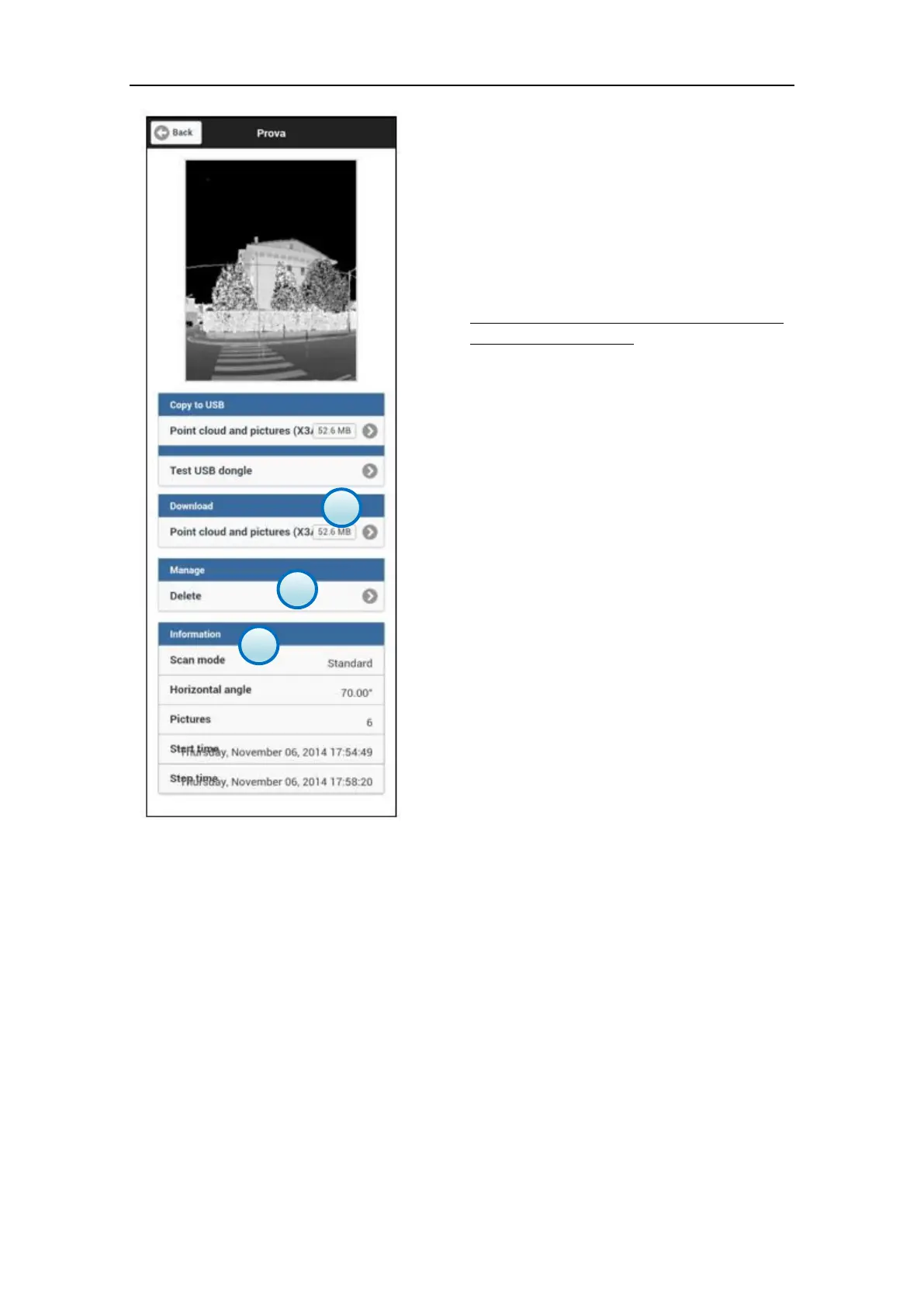
c. Download
Download of the selected file through Wi-Fi
or Ethernet cable (optional).
On the right there is the estimated file size.
d. Manage - Delete
Erase the selected file from X300 internal
memory.
NOTE
Deleted files are permanently removed from
the X300 solid memory.
e. Information
This panel shows the details of the scan file.
Scan mode: (preview, fast, standard
fine);
Horizontal angle: the horizontal
rotation made by the unit during the
scan;
Pictures: the number of pictures,
taken with the internal cameras,
associated to the scan file;
Start Time/Stop time: time stamp of
the scan.



 To Next Page