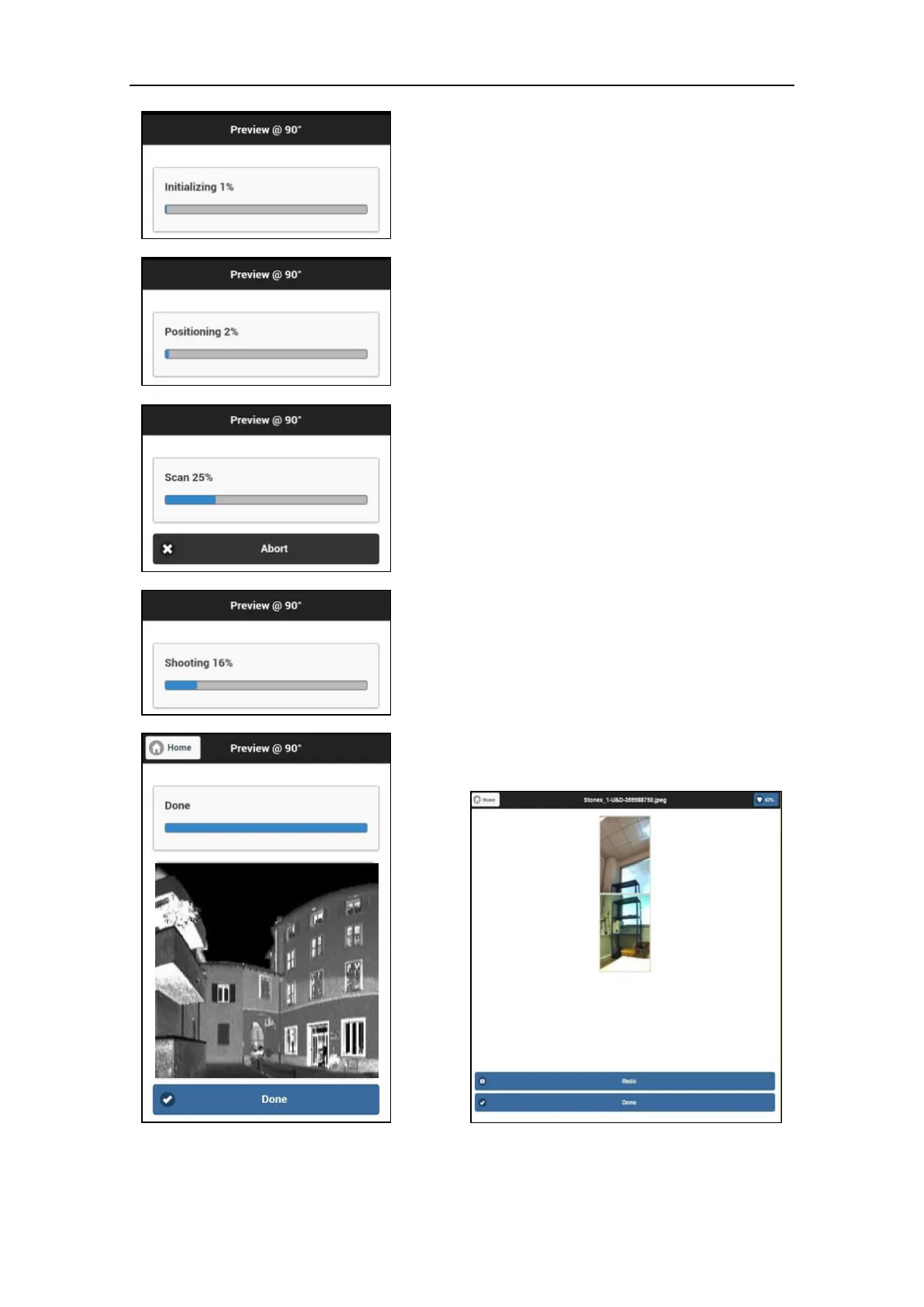
The scan process go through six sequential
steps.
1. Initializing
The scanner warms up and registers the scan
center position.
2. Positioning
The scanner turns until reaching the start
position.
3. Scan
Scanning in progress. Use either the software
progress bar on the control device or the LEDs
status bar on the X300 to check the progress.
When the scan is finished, the X300 will
return to the origin position.
4. Shooting (optional)
If the camera option is enabled, the photos
are automatically acquired after scanning.
5. Finalizing/Saving
Data are stored in the internal solid memory.
Press Done button to return to the Simple
scan menu.
6. Checking and if necessary redo
photos
User can check each couple of photos and
shot again couple that he wants to redo.
Previous photos will be overwritten.



 To Next Page