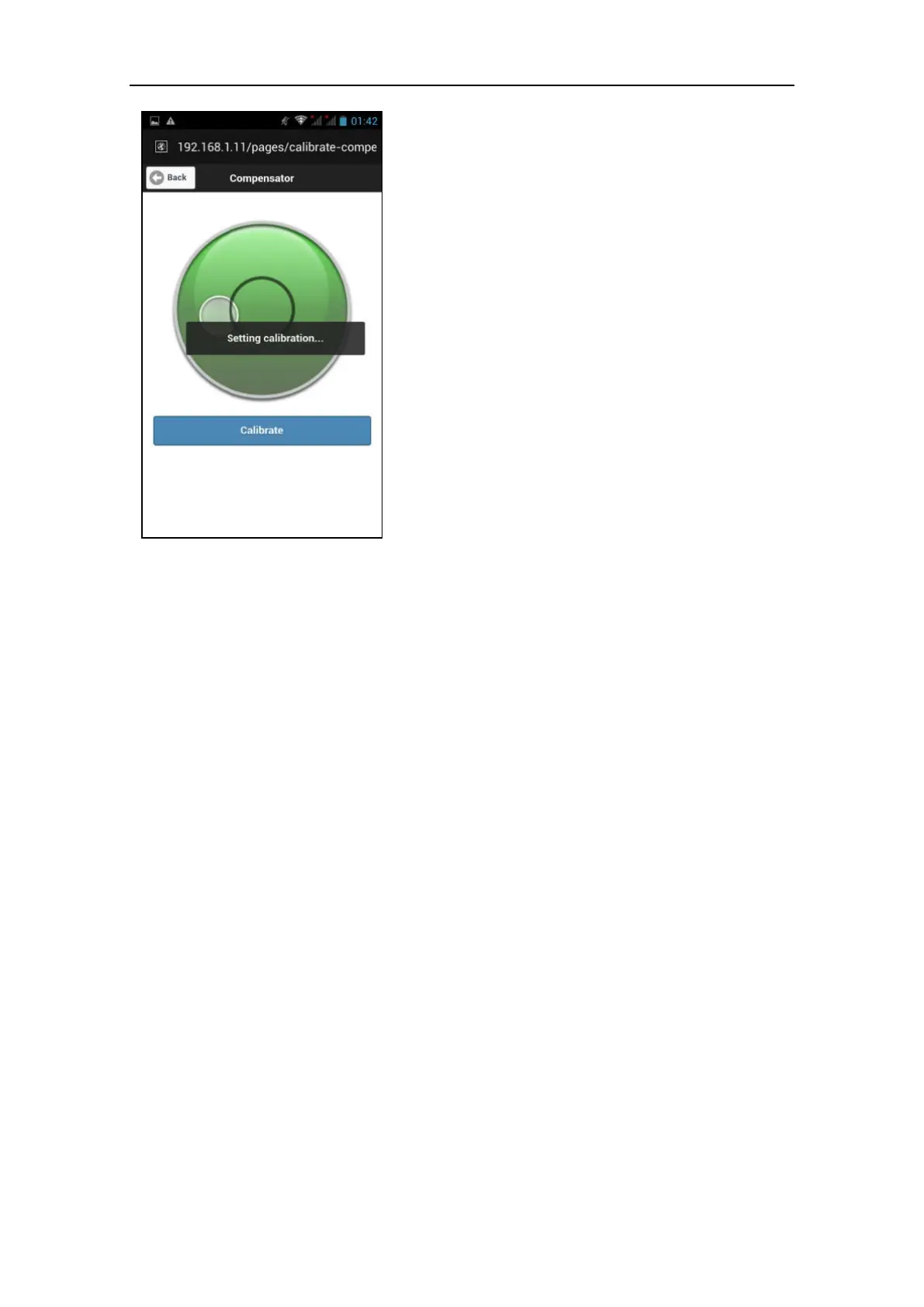
PROCEDURE:
1. Level the instrument using the
tribrack (par. 2.1).
2. Press the Calibrate button to start the
auto-calibration routine.
3. Do not move the scanner until the
auto-calibration routine is over
(about 3 minutes).
4. Check the bubble in the compensator
screen. The bubble should now be
inside the internal smaller circle
(when the scanner is leveled).
NOTE
The compensator operative range is ± 20°.
Wider tilt angles cannot be measured and
adjusted.
As consequence, the scan position in Stonex
Reconstructor will result incongruous with
respect to the main XYZ axis orientation.
Beside this, no deformation is applied to the
scan data.



 To Next Page