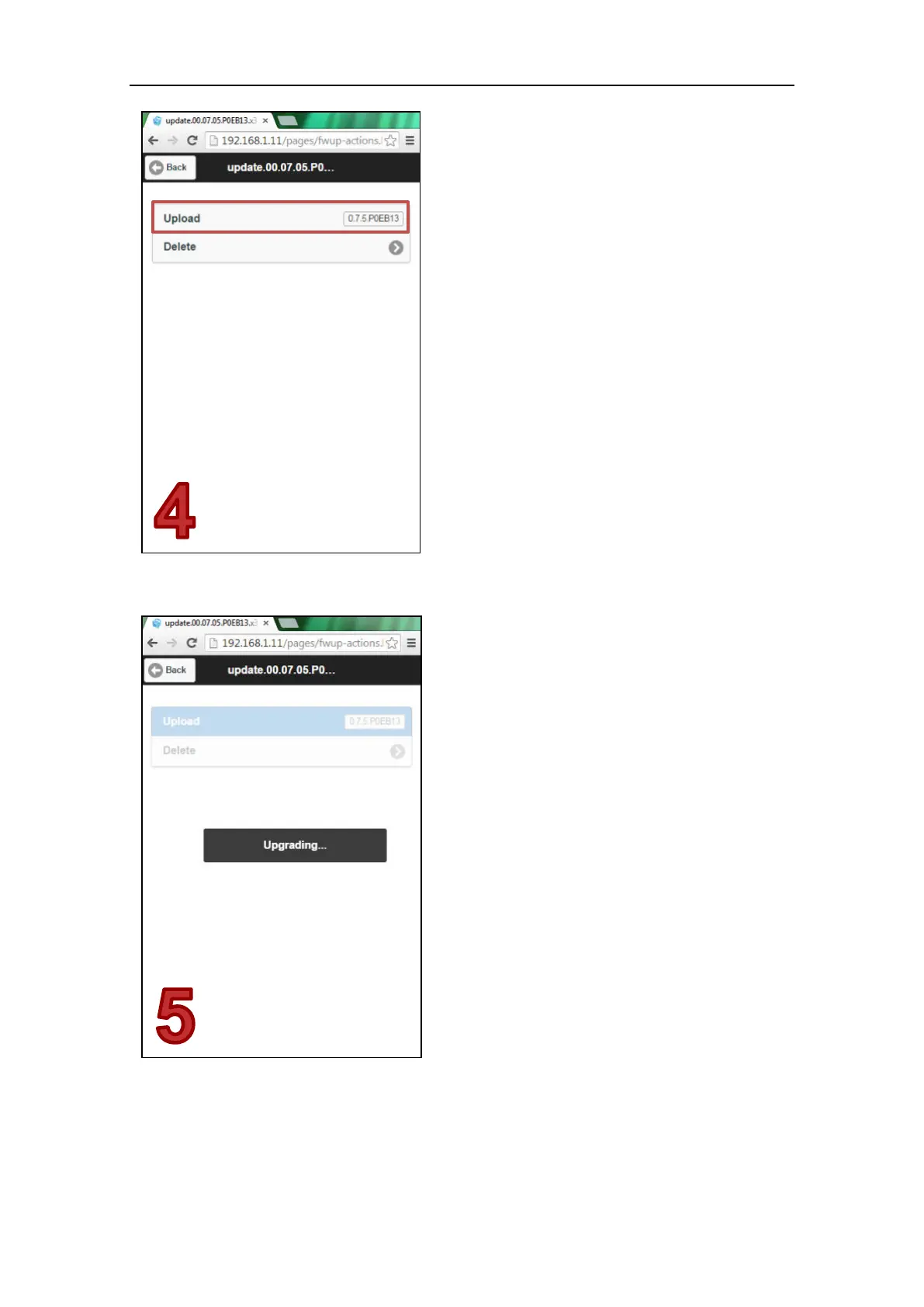
Tap Upload button to apply the selected
firmware.
Tap Delete button to erase the file from the
internal memory.
Step 5
Wait until the end of the upgrade procedure.
It takes less than a minute to complete the
process.
When the procedure is complete, the X300
will automatically restart and the firmware
will be automatically deleted from the
internal memory of the instrument.
NOTE
Do not turn off the scanner or remove the
battery during the upgrade process.



 To Next Page