Installing the Telephone Upgrade
87 EN
Making a Call
To make a phone call using the Sidne™ console:
1. Enter the phone number using either the number buttons or the
speed dial buttons.
2. Press the Answer / Dial button.
Setting the Speed Dial
1. Enter the desired number using the number buttons.
2. Hold down the corresponding speed dial button for 5 seconds.
The button text will flash orange when the number has been
saved.
Note To erase the number associated with a speed dial button,
clear the number screen and then hold that speed dial
button for five seconds. When the button text flashes
orange, the number is erased.
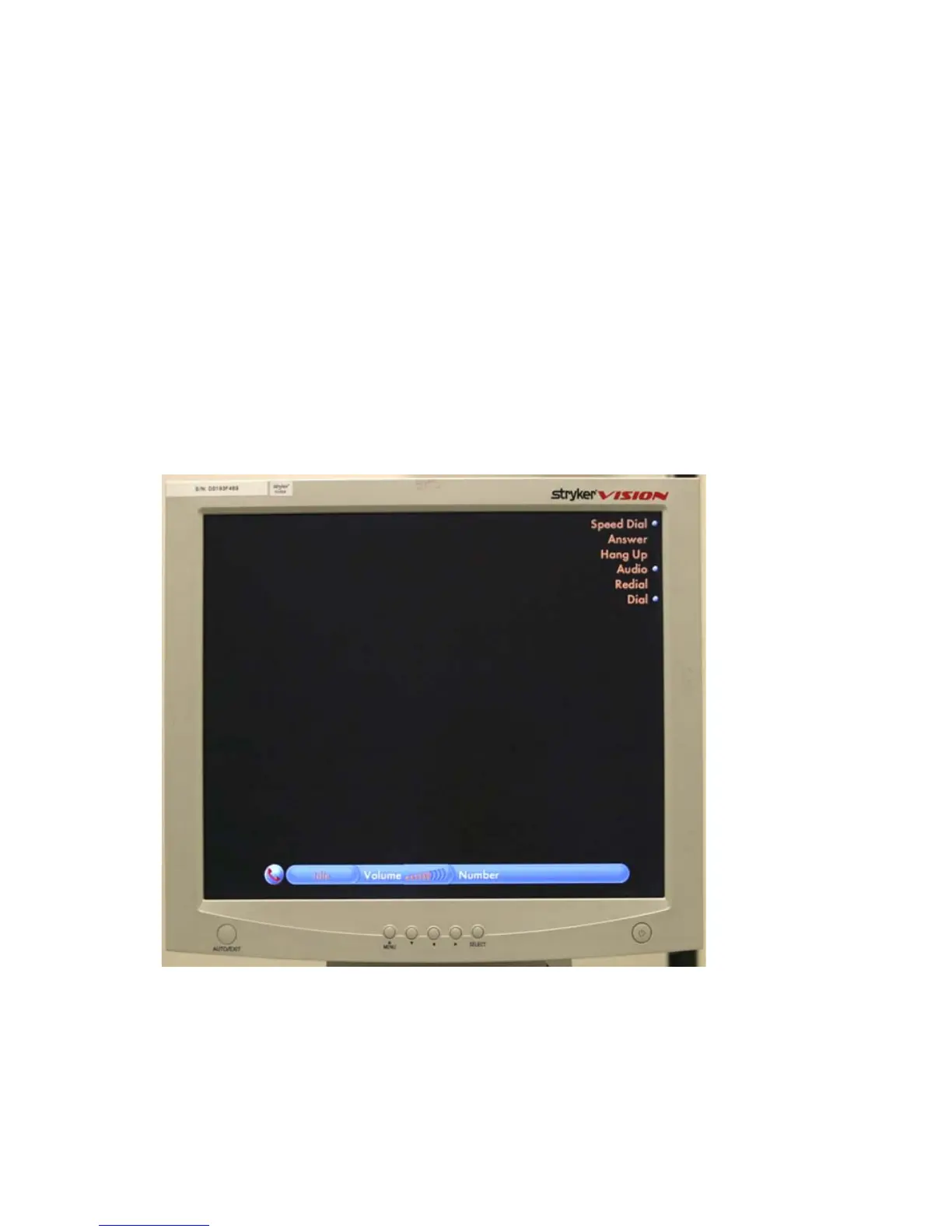
Figure 5: Telephone voice commands interface on monitor












 To Next Page