INSPECTION MODE
ENGINE
(DIAGNOSTICS)
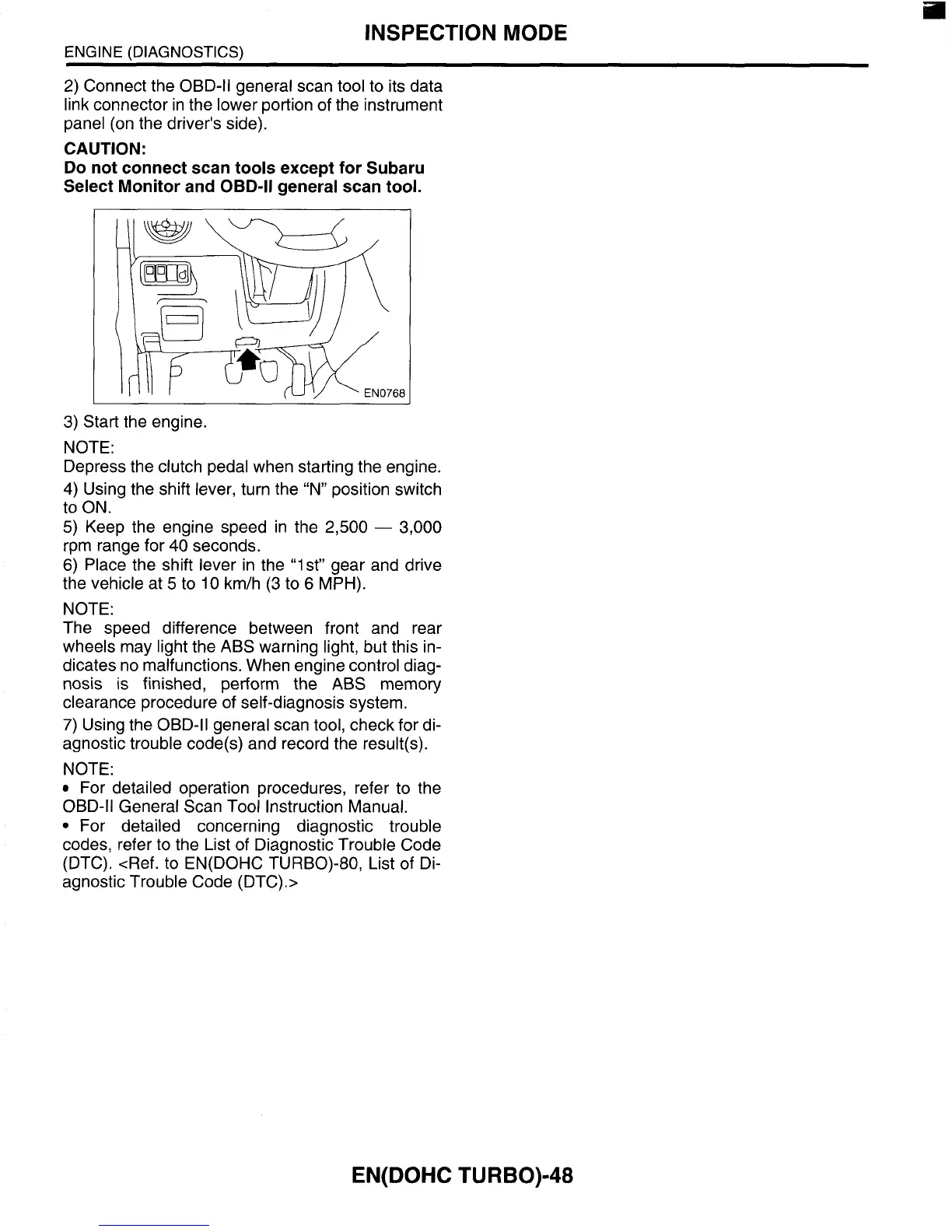
2)
Connect the OBD-II general scan
tool
to its data
link connector in the lower portion of the instrument
panel (on the driver’s side).
CAUTION:
Do
not connect scan tools except for Subaru
Select Monitor and
OBD-II
general scan tool.
3)
Start the engine.
NOTE:
Depress the clutch pedal when starting the engine.
4)
Using the shift lever, turn the “N” position switch
to ON.
5)
Keep the engine speed in the
2,500
-
3,000
rpm range for
40
seconds.
6)
Place the shift lever in the “1st” gear and drive
the vehicle at
5
to
10
km/h
(3
to
6
MPH).
NOTE:
The speed difference between front and rear
wheels may light the ABS warning light, but this in-
dicates no malfunctions. When engine control diag-
nosis
is
finished, perform the ABS memory
clearance procedure of self-diagnosis system.
7)
Using the OBD-II general scan tool, check for di-
agnostic trouble code(s) and record the result(s).
NOTE:
For detailed operation procedures, refer to the
OBD-ll General Scan
Tool
Instruction Manual.
For detailed concerning diagnostic trouble
codes, refer
to
the List of Diagnostic Trouble Code
(DTC). <Ref. to EN(D0HC TURBO)-80, List
of
Di-
agnostic Trouble Code (DTC).>
EN(D0HC
TURB0)-48














 To Next Page