3-40 Sun Fire X4100/X4100 M2 and X4200/X4200 M2 Servers Service Manual • August 2009
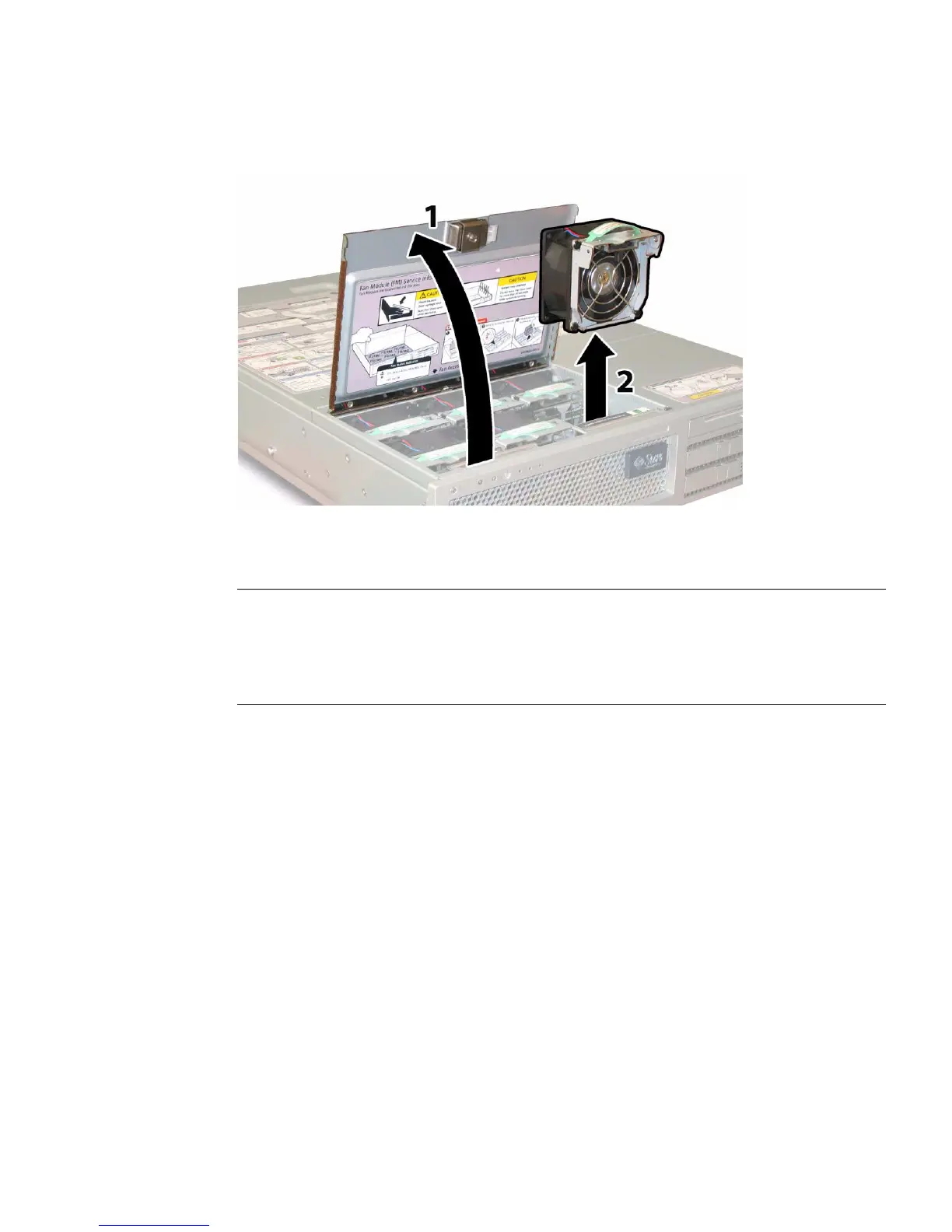
FIGURE 3-31 Opening the Fan Bay Door and Removing a Fan Module
4. Visibly inspect the remaining fans and all air openings for dirt, and clean if
necessary.
Note – System cooling might be affected by dust and contaminant build-up.
Therefore, you should open and check systems approximately every six months (or
more often in dirty operating environments). Check system heatsinks, fans, and air
openings. If necessary, clean systems by carefully brushing, blowing, or vacuuming
contaminants from the system.
Installation is the reverse of this procedure.














 To Next Page