Chapter 3 Maintaining the Sun Fire Servers 3-77
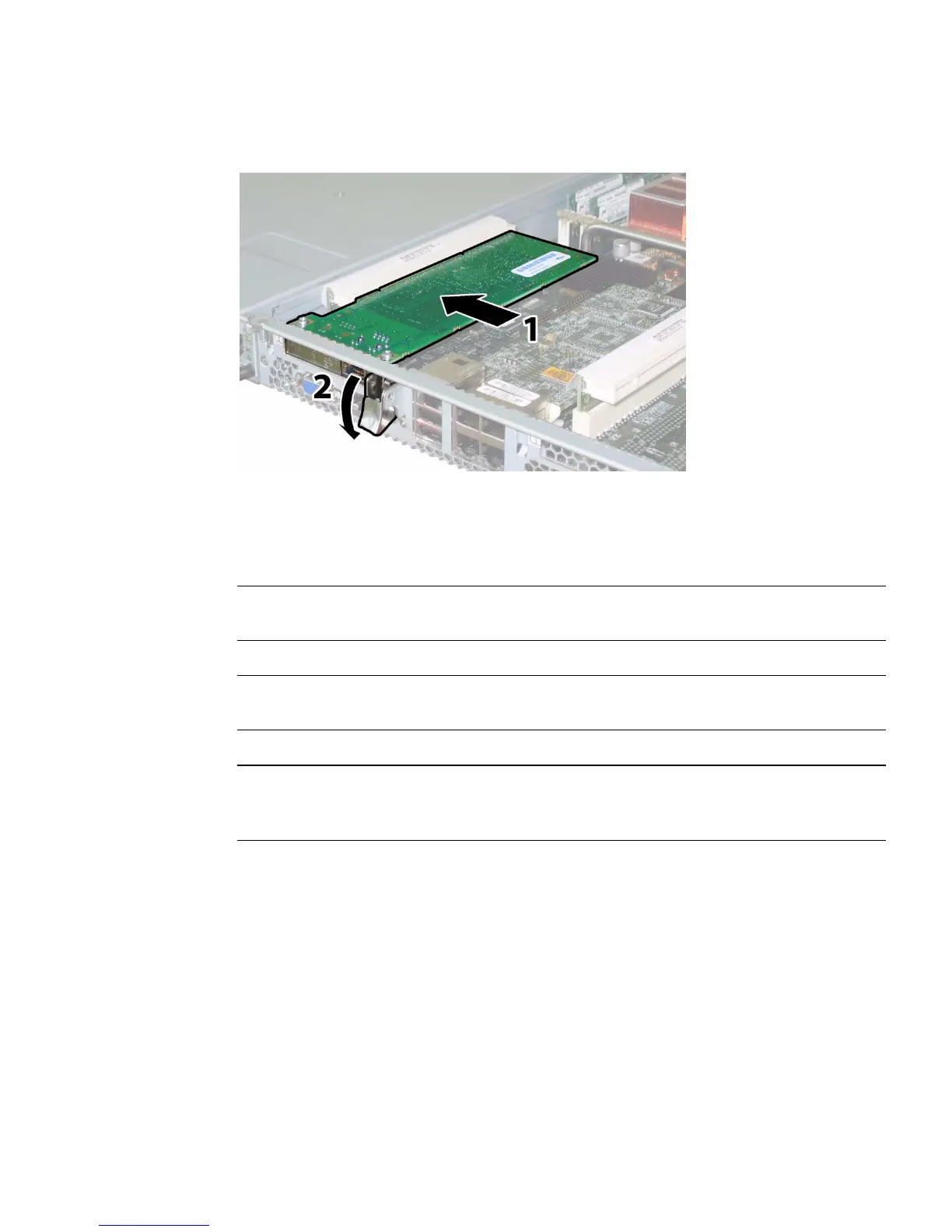
FIGURE 3-61 Installing a PCI Card (Sun Fire X4100 M2 Server Shown)
3.12.17 Replacing the Motherboard
Note – Sun Fire X4100/X4200 and X4100 M2/X4200 M2 servers use different
motherboards. Do not interchange them.
Note – This component is an FRU and should be replaced only by qualified service
technicians. Contact your Sun Service representative for assistance.
Note – When you install the new motherboard, you must replace the old cap-style
bus bar nuts with new M5 flange-nuts that are included with your replacement
motherboard. For more details, see the note at the end of this procedure.
Supported components and their part numbers are subject to change over time. For
the most up-to-date list of replaceable components for these servers, refer to:
http://sunsolve.sun.com/handbook_pub/Systems
1. Click the name and model of your server.
2. On the product page that opens for the server, click Full Components List to
view a list of components.
Use the following procedure to remove and replace the motherboard.














 To Next Page