2-2 Sun Fire X4100/X4100 M2 and X4200/X4200 M2 Servers Service Manual • August 2009
2.1 Powering On the Server
Note – Before powering on your server for the first time, follow the installation and
cabling instructions provided in the Sun Fire X4100/X4200 Servers Installation Guide,
which is shipped with the system and is also available online at:
http://www.sun.com/documentation
Caution – Do not operate the server without all fans, component heatsinks, air
baffles, and covers installed. Severe damage to server components can occur if the
server is operated without adequate cooling mechanisms.
1. Verify that power cords have been connected to the server's power supplies and
that standby power is on.
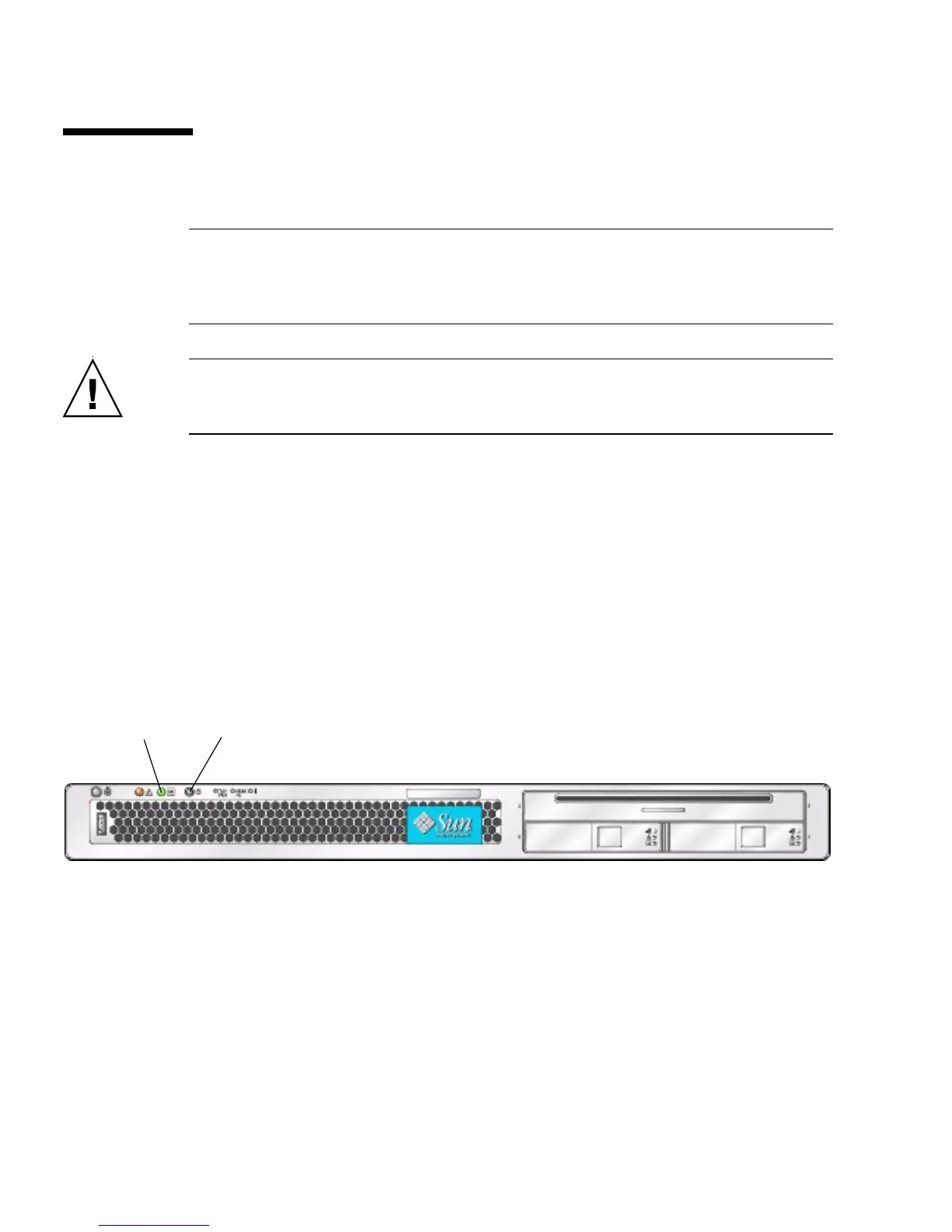
In standby power mode, the Power/OK LED on the front panel flashes,
indicating that the service processor is working and the system is ready to be
fully powered on to main power mode. See
FIGURE 2-1 orFIGURE 2-2 for the LED
location.
2. Use a nonconducting pointer or stylus to press and release the recessed Power
button on the server front panel which is shown in
FIGURE 2-1 or FIGURE 2-2.
FIGURE 2-1 When main power is applied to the full server, the Power/OK LED next to the Power
button lights and remains lit.
Front Panel of Sun Fire X4100/X4100 M2 Server
21














 To Next Page