Chapter 2 Powering On and Configuring BIOS Settings 2-61
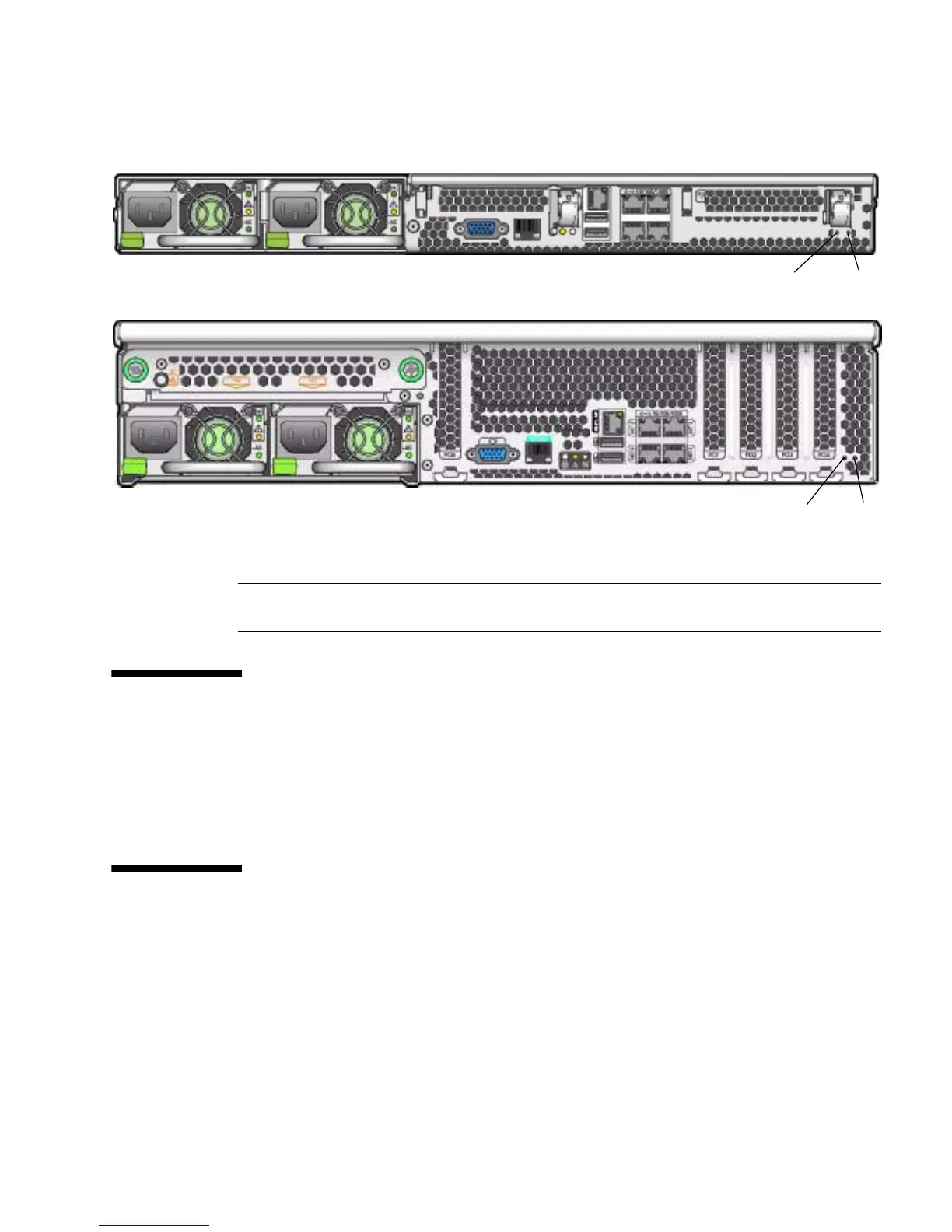
FIGURE 2-10 Server Back Panels
2.8 Updating the BIOS
The BIOS is updated whenever you update the ILOM Service Processor firmware.
For instructions on updating the firmware, refer to the Integrated Lights-Out Manager
Administration Guide, 819-1160.
2.9 Power-On Self-Test (POST)
For information about BIOS POST testing, POST codes, POST code checkpoints, and
console redirection, see Appendix B, “BIOS POST Codes” on page B-1.
Figure Legend
1 NMI switch
2 Reset switch
1
2
1
2
Sun Fire X4100/X4100 M2 Server
Sun Fire X4200/X4200 M2 Server













 To Next Page