3-50 Sun Fire X4100/X4100 M2 and X4200/X4200 M2 Servers Service Manual • August 2009
Note – The white plastic sheath that is attached to the front I/O board is an
insulator, which protects the board components. Do not remove this insulator sheath
from the front I/O board.
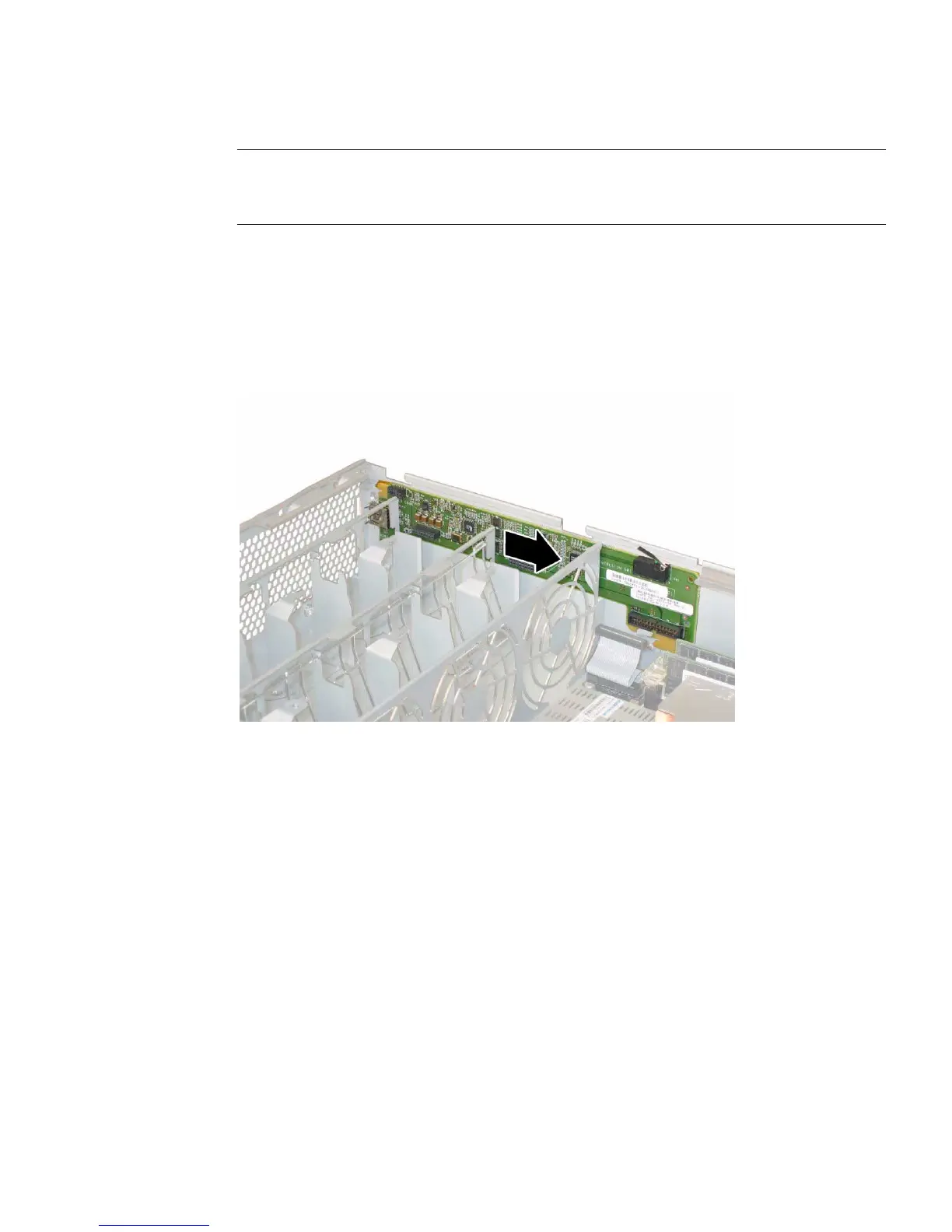
14. Gently push the front I/O board toward the rear of the chassis approximately
0.25 inch (6 mm), freeing the board from the two locating tabs at its bottom-left
and bottom-right corners. See
FIGURE 3-41 or FIGURE 3-42.
FIGURE 3-41 Releasing the Front I/O Board From the Chassis Locating Tabs (Sun Fire
X4100 Server Shown)














 To Next Page