C-6 Sun Fire X4100/X4100 M2 and X4200/X4200 M2 Servers Service Manual • August 2009
Note the following differences between the Sun Fire X4100/X4200 and the X4100
M2/X4200 M2 servers regarding the power requirements for viewing the DIMM fault
and CPU fault LEDs:
■ For the original Sun Fire X4100/X4200 servers, to see the DIMM fault and CPU
fault LEDs, you must put the server in standby power mode, with the power cords
attached. See Section 2.2, “Powering Off the Server” on page 2-3.
■ For the Sun Fire X4100 M2/X4200 M2 server, you can view the DIMM fault and
CPU fault LEDs without the power cords attached. These LEDs can be lit by a
capacitor on the motherboard for up to one minute. To light the fault LEDs from
the capacitor, push the small button on the motherboard labeled “DIMM SW2.”
See
FIGURE C-4.
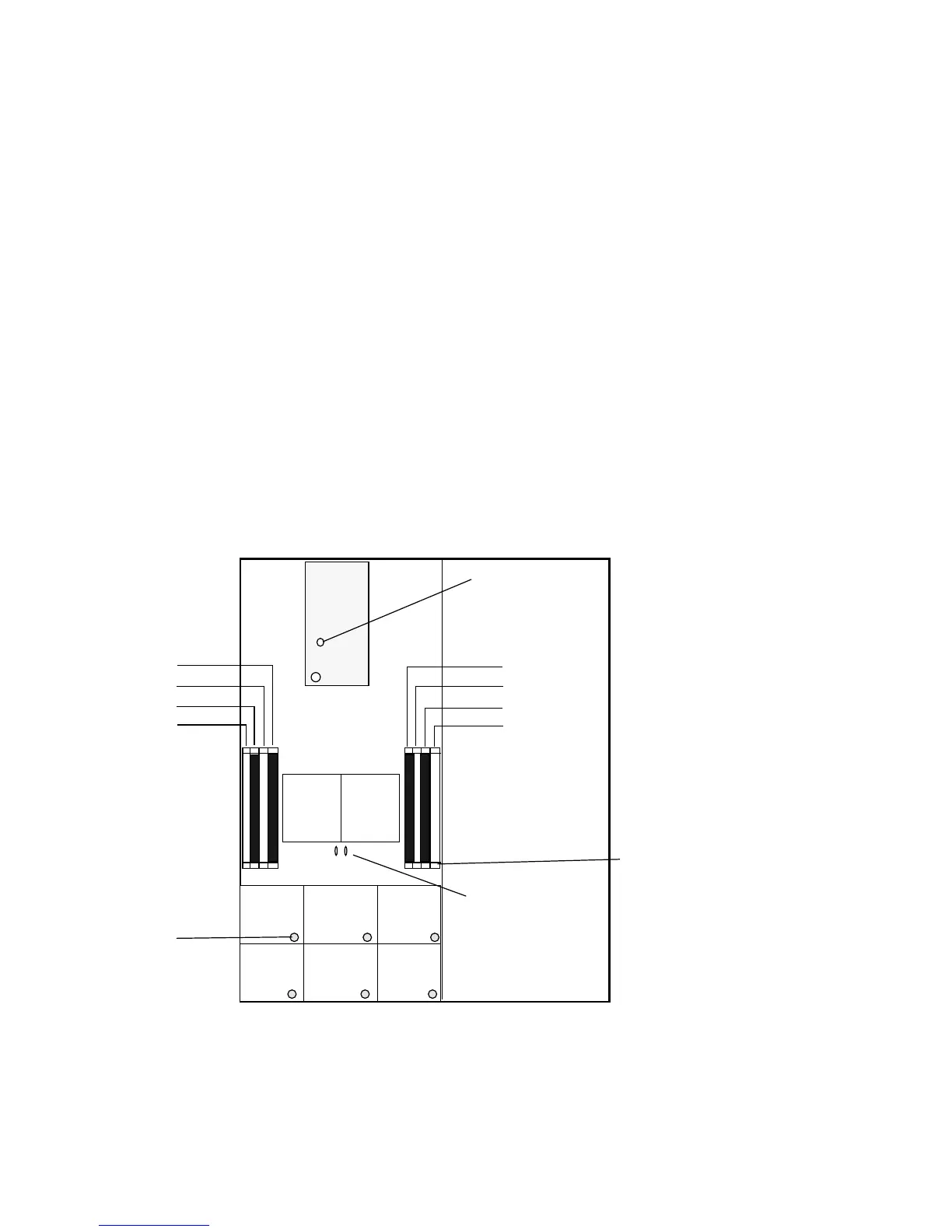
■ The internal LED locations are shown in FIGURE C-3 for Sun Fire X4100/X4200
servers.
■ The internal LED locations are shown in FIGURE C-4 for Sun Fire X4100 M2/X4200
M2 servers.
FIGURE C-3 Sun Fire X4100/X4200 Internal LEDs
FT1
FM0
FT1
FM1
FT1
FM2
FT0
FM0
FT1
FM1
FT1
FM2
CPU1 CPU0
DIMM 0
DIMM 2
DIMM 1
DIMM 3
DIMM 0
DIMM 2
DIMM 1
DIMM 3
Front panel of server
Back panel of server
DIMM fault LEDs
in DIMM ejector levers
GRASP board
LED CR1
CPU fault LEDs (2)
Fan fault LEDs














 To Next Page