2 System Solution User Manual
8
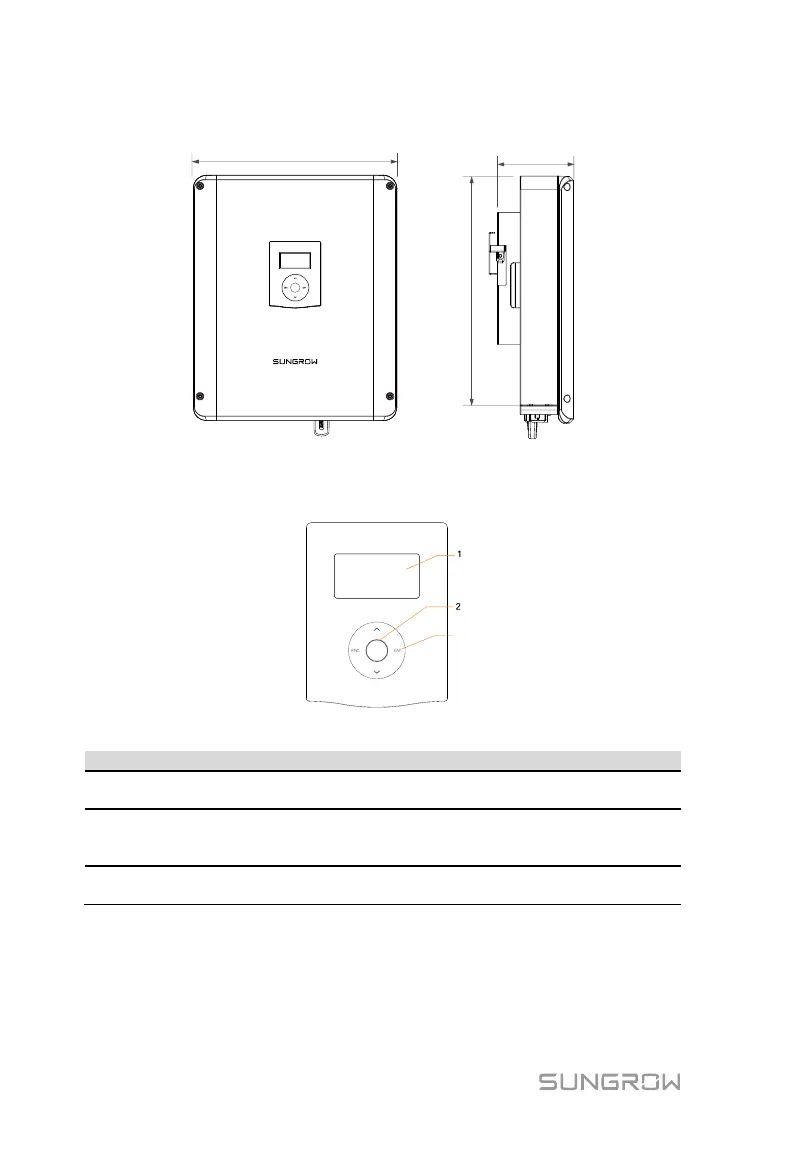
The following figure shows the dimensions of the inverter.
Fig. 2-2 Outline Dimensions (unit: mm)
The LCD panel with an indicator and four buttons is on the front of the inverter.
Display and access current operating data or change inverter
settings.
Green and red can be indicated via the indicator, from which
user can know the current status. For detailed definition, see
Tab. 7-3.
View or set parameters via the buttons. For detailed functions,
see Tab. 7-1.
Energy Meter
The Sungrow Energy Meter is installed next to the main switch to detect the
electrical measured values at the grid-connected point. It communicates with
the inverter via an RS485 connection.



 To Next Page