MC50 Integrator Guide8-26
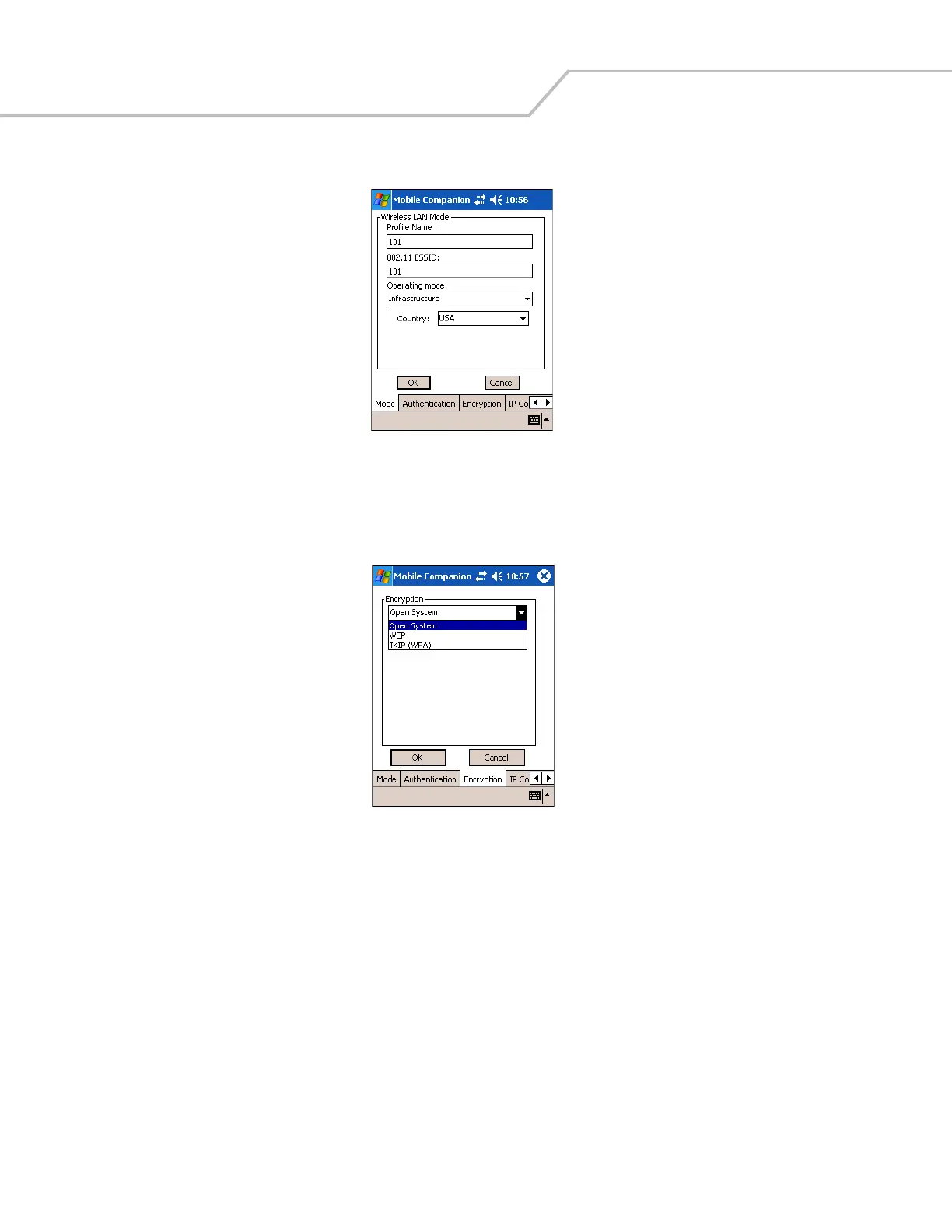
4. Tap the ESSID name, then tap Connect. The Mobile Companion Mode tab appears.
Figure 8-30. Mobile Companion - Mode Tab
The profile name and ESSID name appear in the respective fields.
5. In the Operating Mode: list, select Infrastructure.
6. Tap the Encryption tab.
Figure 8-31. Mobile Companion - Encryption Tab
7. Select the encryption algorithm used on the wireless network (Open System, 40-bit Shared Key, 128-bit Shared Key, or
Kerberos).
For 40-bit Shared Key, 128-bit Shared Key, or Kerberos, enter the required data in the fields that appear in the window. See
the network administrator for this information. See Finding WLANs on page 8-4 for details.



 To Next Page