WLAN Configuration 8-27
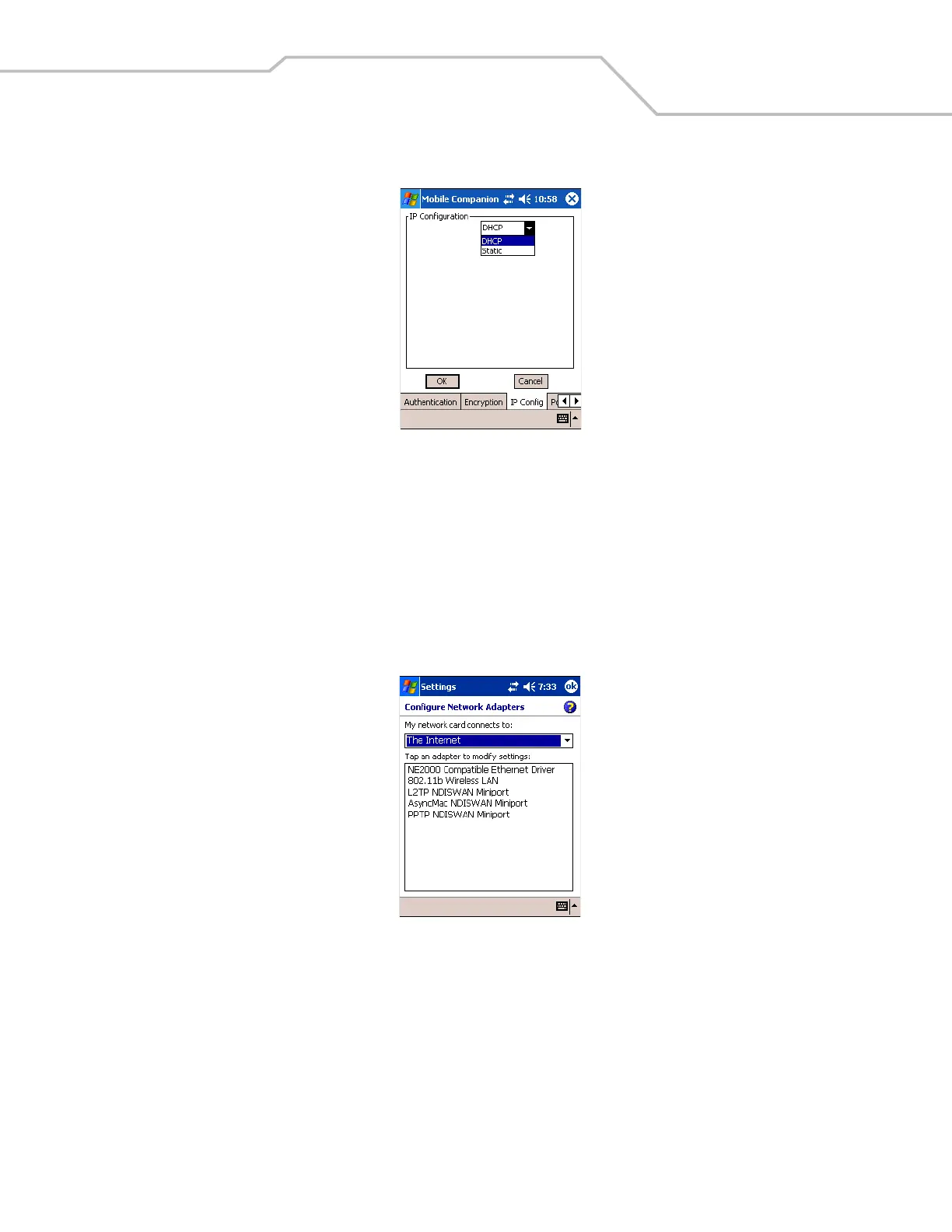
8. Tap the IP Config tab.
Figure 8-32. Mobile Companion - IP Config Tab (DHCP)
9. Select either DHCP or Static from the IP Type drop-down list.
10. For Static IP, enter the required data in the fields that appear in the window. See the network administrator for this
information.
11. Tap ok.
12. Tap ok.
13. The Mobile Companion wireless status icon should indicate that the mobile computer is connected to the AP. If not, see the
network administrator.
14. Tap Start - Settings - Connections tab - Network Cards icon.
Figure 8-33. Configure Network Adapters Window
15. Select The Internet from the My network card connects to: drop-down list.



 To Next Page