Chapter
2
DeskMate
SUBFUNCTIONS
The DeskMate subfunctions are handy, easy-to-use functions that
are available to you throughout
all
applications and
at
the Main Menu.
Each subfunction is described in detail in this chapter.
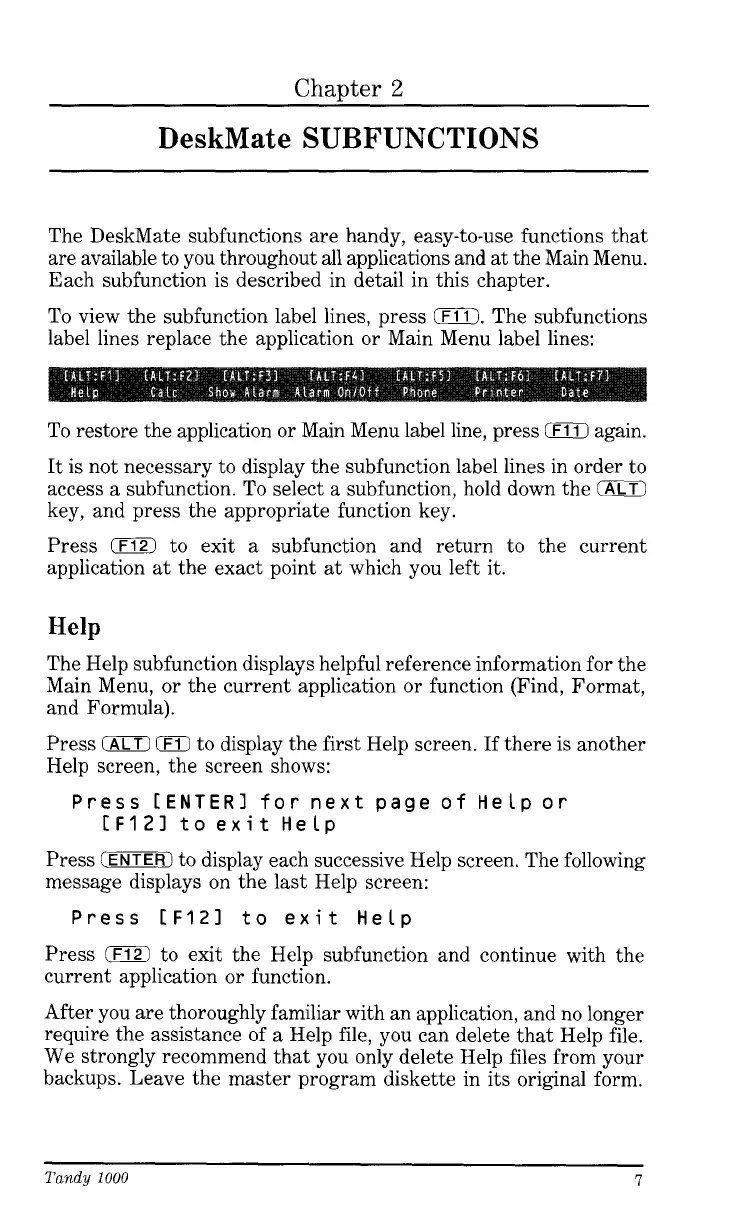
To view the subfunction label lines, press
0.
The subfunctions
label lines replace the application or Main Menu label lines:
To restore the application or Main Menu label line, press
0
again.
It is not necessary to display the subfunction label lines in order to
access
a
subfunction.
To
select a subfunction, hold down the
0
key, and press the appropriate function key.
Press
0
to exit
a
subfunction and return to the current
application
at
the exact point
at
which you left it.
Help
The Help subfunction displays helpful reference information for the
Main Menu, or the current application or function (Find, Format,
and Formula).
Press
IALT)
(F11
to display the first Help screen.
If
there is another
Help screen, the screen shows:
IF121
to exit Help
Press
[ENTER]
for next page
of
Helpor
Press
CENTER)
to display each successive Help screen. The following
message displays on the
last
Help screen:
Press
CF121
to exit Help
Press
0
to exit the Help subfunction and continue with the
current application or function.
After you are thoroughly familiar with an application, and no longer
require the assistance
of
a
Help file, you can delete that Help file.
We strongly recommend that you only delete Help files from your
backups. Leave the master program diskette in its original form.
Tandy
1000
7




 To Next Page