Chapter
4
TEXT
1.
Press
CENTER)
to select Text. The
En
t
e
r
f
i
1
enarne
:
prompt appears.
2.
Type
Letter
ENTER)
for the name of the text file you are
creating.
A
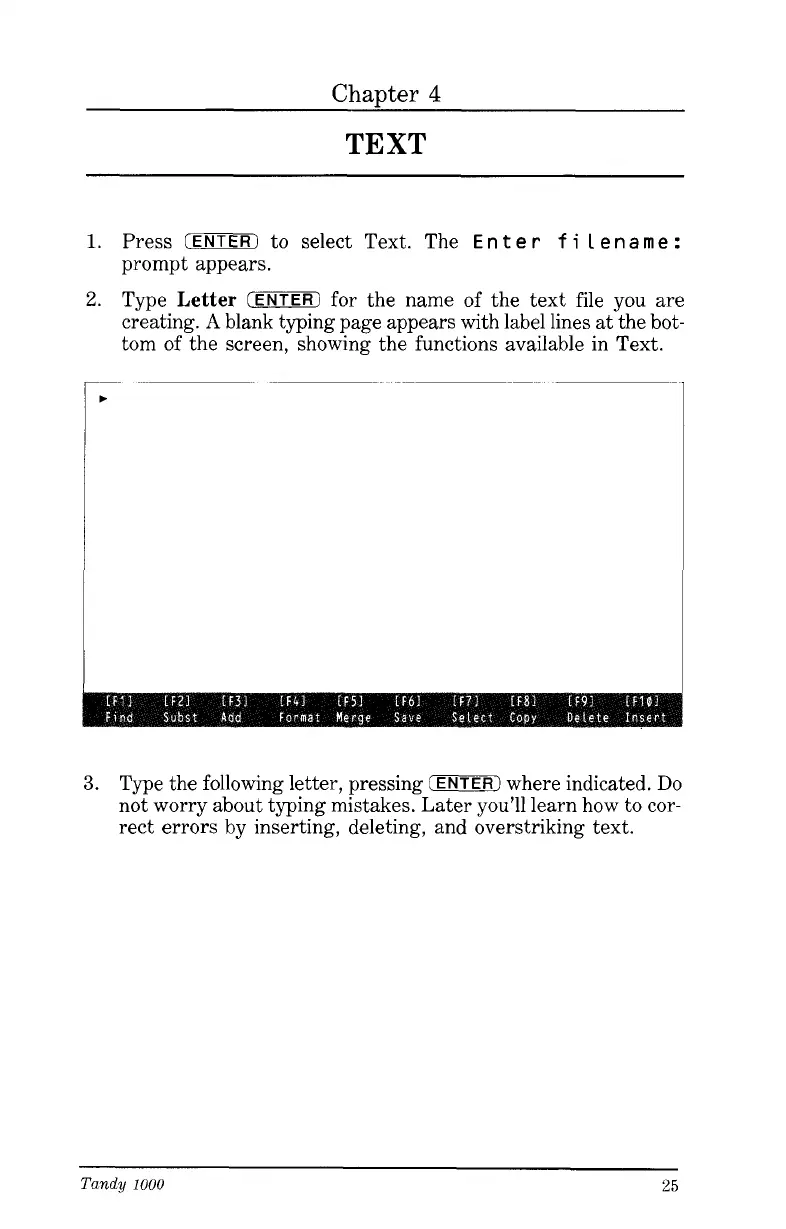
blank typing page appears with label lines at the bot-
tom of the screen, showing the functions available in Text.
3.
Type the following letter, pressing
(ENTER)
where indicated.
Do
not worry about typing mistakes. Later you’ll learn how to cor-
rect errors by inserting, deleting, and overstriking text.
Tandy
1000
25




 To Next Page