5 - Putting into Operation
Reinstalling the Te-Stack
Te-Stack Operating Manual, 391862, en, V2.3 5 - 3
5.2.2 Te-MO Version
5.2.2.1 Remounting the Te-Stack
1 Remove the Te-MO front cover.
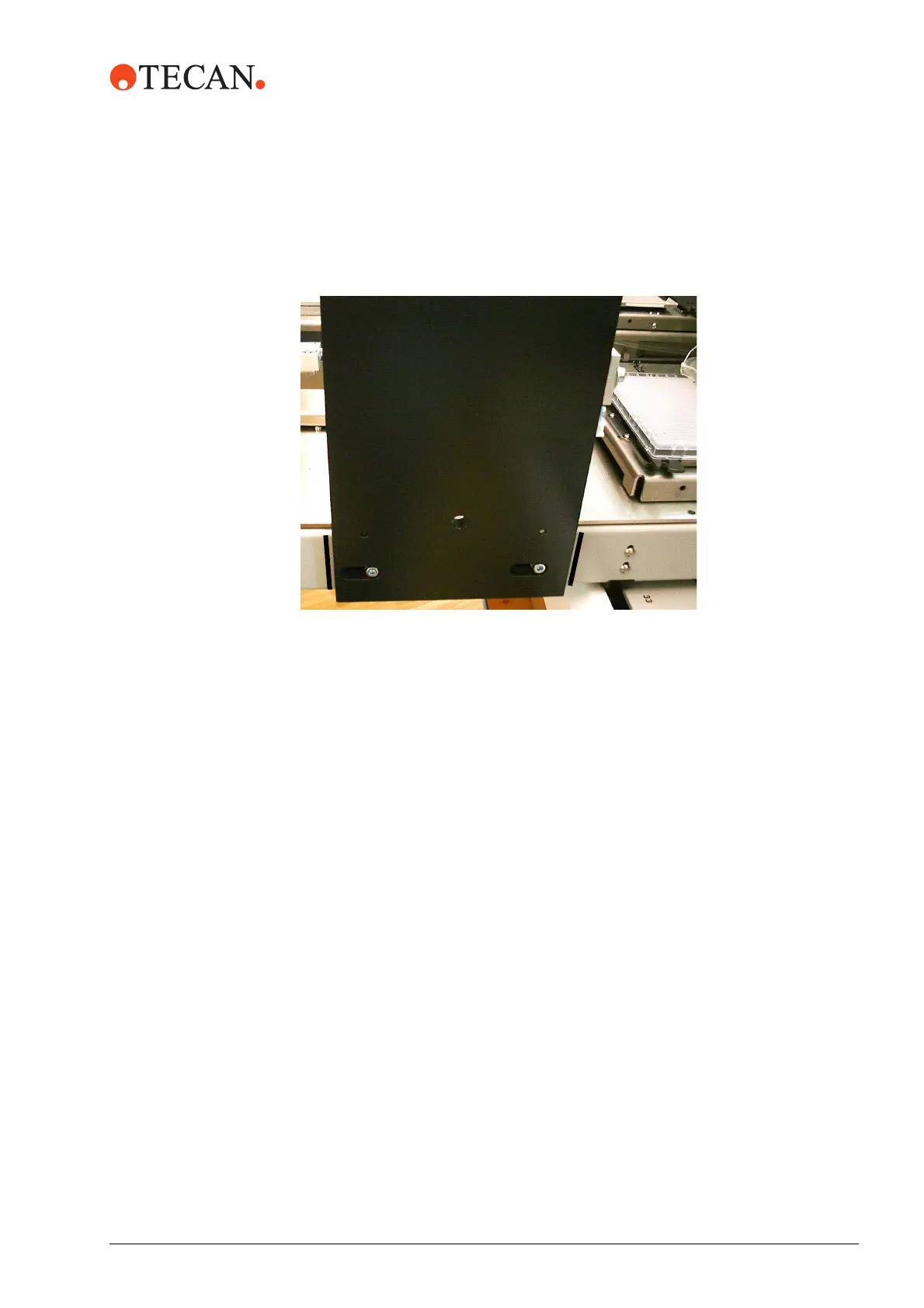
2 Place the Te-Stack on the Te-MO. Observe the marks (A).
3 Mount Te-Stack support using the four screws (B).
4 Remount the front cover.
5.2.2.2 Freedom EVO Version
Contact the Tecan FSE.
5.2.3 Connecting the Te-Stack to Freedom EVO
1 Open the front access panel of of the Freedom EVO.
2 Screw off the left worktable cover of the Freedom EVO.
3 Open the left access door of the Freedom EVO.
4 Pull the CAN cable through the tubing channel in front of the worktable.
5 Route the cable on the left side through under the worktable.
6 Screw on the left worktable cover and close the front access panel of the
Freedom EVO.
7 Connect the cable with the D-sub connector (9 pins, male, for communication
and power) to a free CAN bus port on the option board of the Freedom EVO.
8 Fasten long cables with cable ties.
9 Close the left access door.
Fig. 5-1 Mount Te-Stack support on Te-MO



 To Next Page