Figure 7-16
Click record path button, you can see an interface is shown as in Figure 7-17.
Figure 7-17
7.2.5 Menu Interface Switch
Put your mouse on the PTZ control bar until you see the following icon. See Figure
7-18.
Figure 7-18
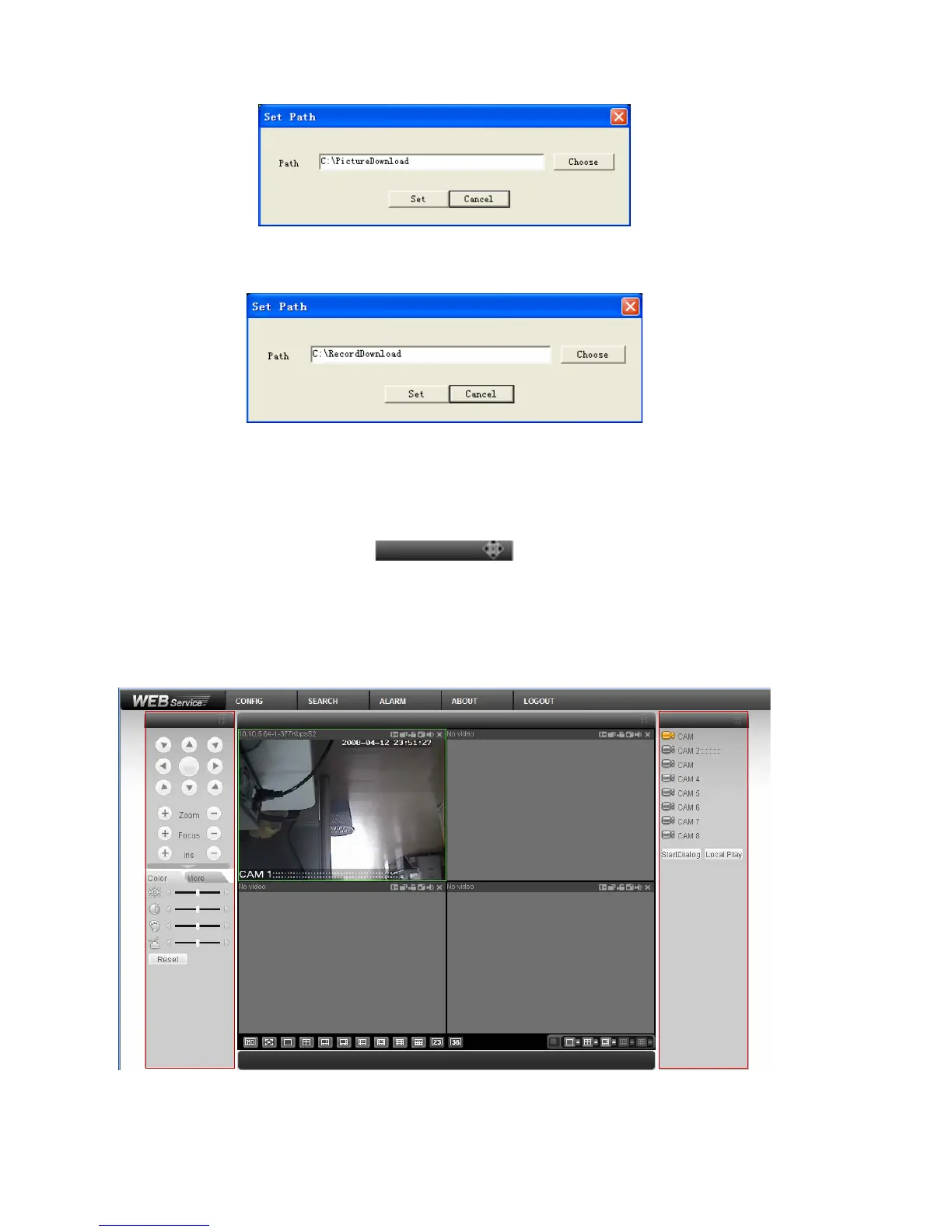
Left click your mouse and then drag it to the channel control status bar. You can see
the two menus interface switched. See Figure 7-19. You can compare the following
interface with
Figure 7-6.
Figure 7-19
100



 To Next Page