After all the
setups please click save button, system needs to reboot to get all the
modification activated.
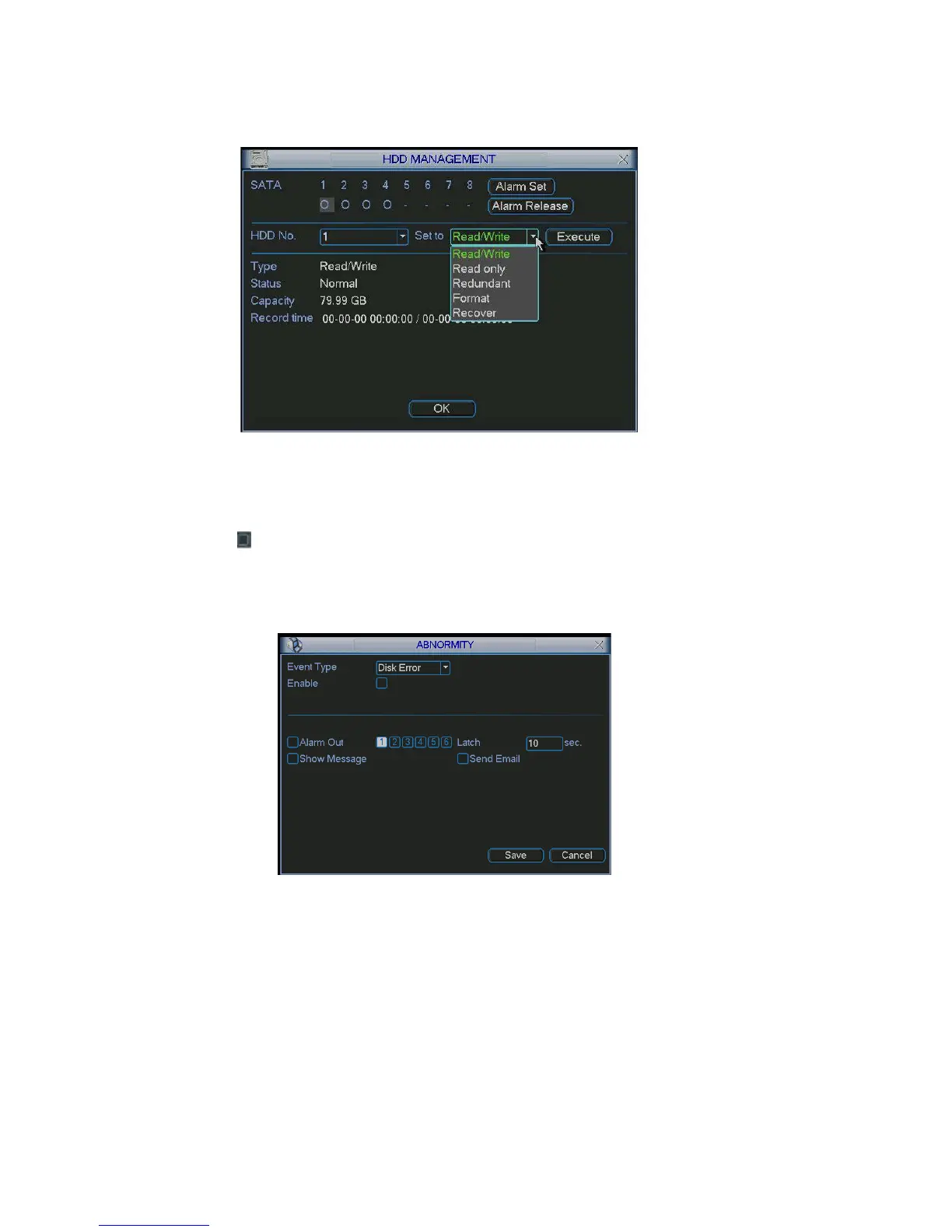
Figure 5-30
Click alarm set button, the interface is low. See Figure 5-31(This
Please highlight
shown as be
interface is just like the abnormity setup).
icon to select the corresponding function.
ges from 1% to 99%.
revious menu
You can enable one or more alarm setups. The lower limit ran
Alarm channel number ranges from 1 to 6. Delay value is from 0 to 240 seconds.
Please note when HDD capacity is not full system only alarms once!
After all the setups please click OK button, system goes back to the p
Figure 5-31
5.5.2 Abnormity
e is shown as in Figure 5-32.
such as disk error, no disk and
output: alarm activation output port (multiple choices), among which is
Abnormity interfac
Event type: There are several options for you
etc.
Alarm
controllable 12V output.
75



 To Next Page