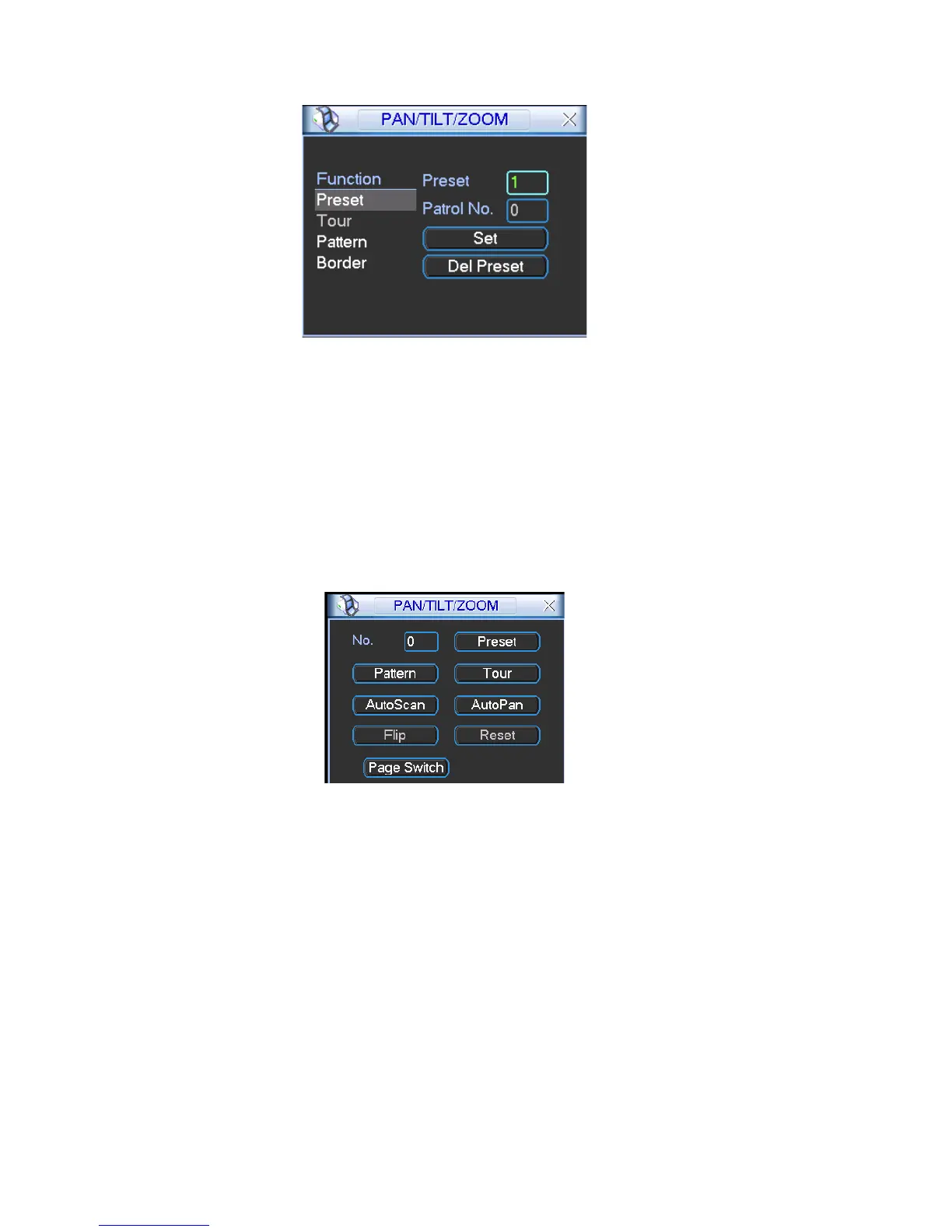
Figure 4-33
In Figure 4-30, click page switch button, the interface is shown as in Figure 4-34.
itch
Here you can activate the following functions:
Preset
Tour
Pattern
Auto scan
Auto pan
Flip
Reset
Page sw
Figure 4-34
Note: The following setups are usually operated in the Figure 4-30, Figure 4-33 and
etup
ight direction arrows to adjust camera to the proper position.
his preset to one tour.
Figure 4-34 .
4.9.1Preset S
In Figure 4-30, use e
In Figure 4-33, click preset button and input preset number. The interface is shown
as in Figure 4-35.
Now you can add t
54



 To Next Page