Please refer
to chapter 4.4 schedule.
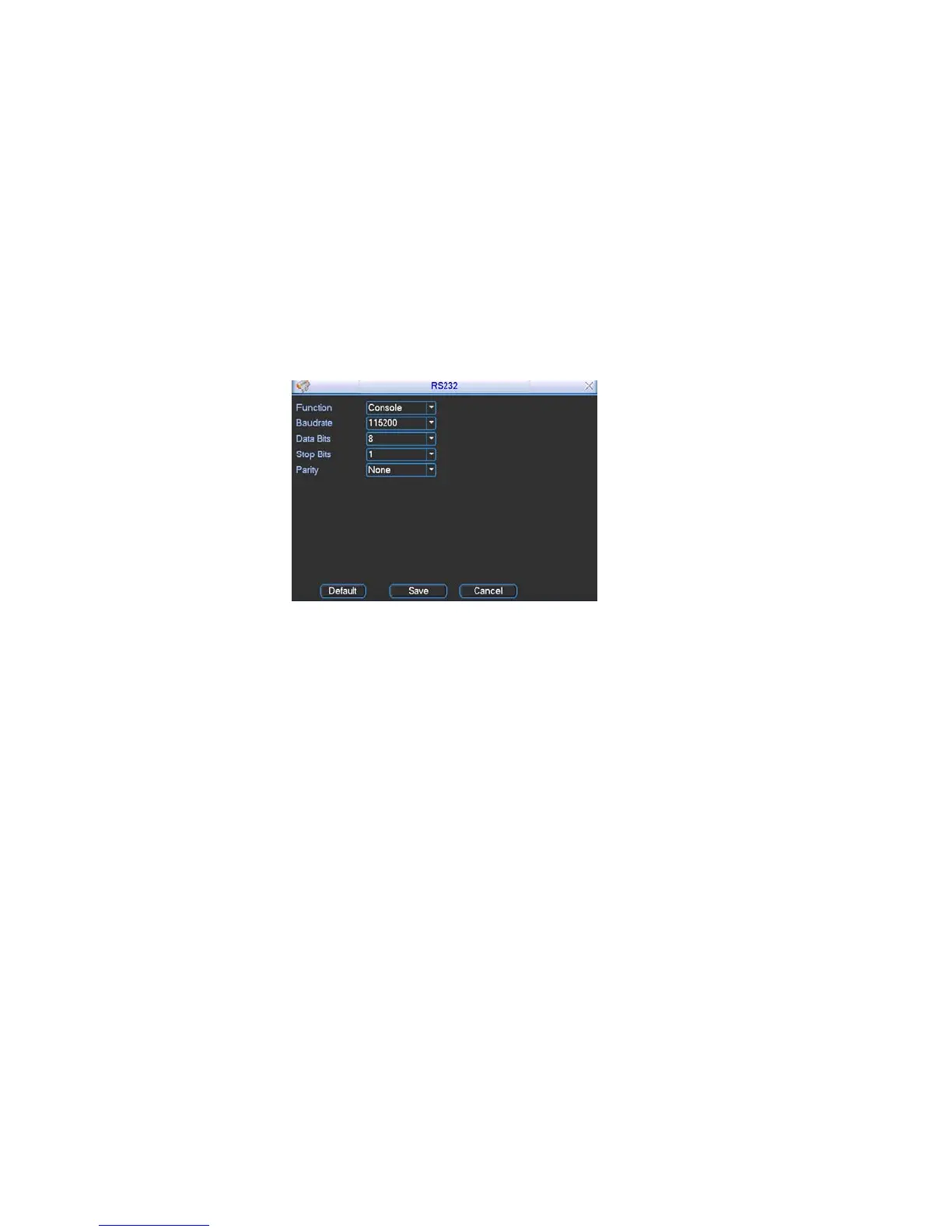
5.3.4 RS232
ce is shown as below. Here are five items. See Figure 5-9.
rial port or
ud rate.
even.
ton, system goes back to the
RS232 interfa
Function: There are various devices for you to select. Console is for se
min-end platform to upgrade program. Keyboard is for you to use special
keyboard to control current device.
Baud rate: You can select proper ba
Data bit: You can select proper data bit.
Stop bit: There are three values: 1/1.5/2.
Parity: there are three choices: none/odd/
After completing all the setups please click save but
previous menu.
Figure 5-9
5.3.5 Network
o input network information. See Figure 5-10.
able DHCP function, you can not
ved for
lue is 37778.
maximal 10 users. 0 means there is no
ere you can select the priority between fluency/video qualities.
After completing all the setups please click save button, system goes back to the
Here is for you t
IP address: Here you can input IP address.
DHCP: It is auto search IP function. When en
modify IP/Subnet mask /Gateway. These values are from DHCP function. If you
have not enabled DHCP function, IP/Subnet mask/Gateway display as o. You
need to disable DHCP function to view current IP information. Besides, when
PPPoE is operating, you can not modify IP/Subnet mask /Gateway.
TCP port: Default value is 37777. (System server port 37778 is reser
network UDP use.)
UDP port: Default va
HTTP port: Default value is 80.
Max connection: system support
connection limit.
Transfer mode: H
Network download: System can process the downloaded data first if you enable
this function.
previous menu.
63



 To Next Page