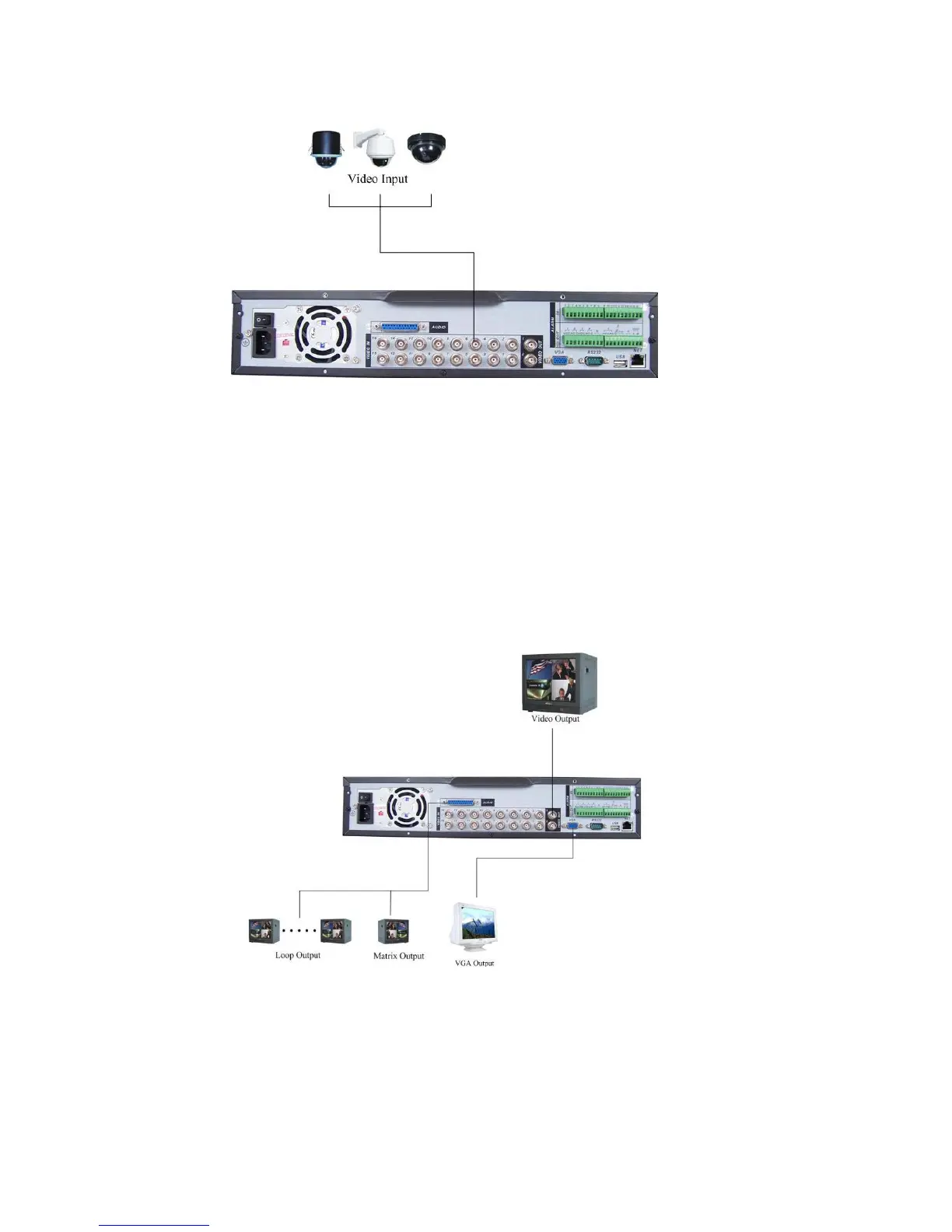
Figure 3-1
3.6.2 Connecting Video Output
This section provides information about physically connecting video display devices
to the DVR. See Figure 3-2.
If you connect the DVR with a TV monitor or VGA monitor, the DVR can automatically
detects the monitor type. And without any output device, by default, the DVR is
configured to use a TV monitor. In this case, if your application requires a VGA
monitor, you have to press the button “FN” or Shift on the front panel.
NOTE:
Video output 1 and VGA can’t display at the same time. But Video output 2 can
display properly with Video Output 1 or VGA.
Figure 3-2
3.7 Connecting Audio Input & Output, Bidirectional Audio, Looping
Video, Matrix
26



 To Next Page