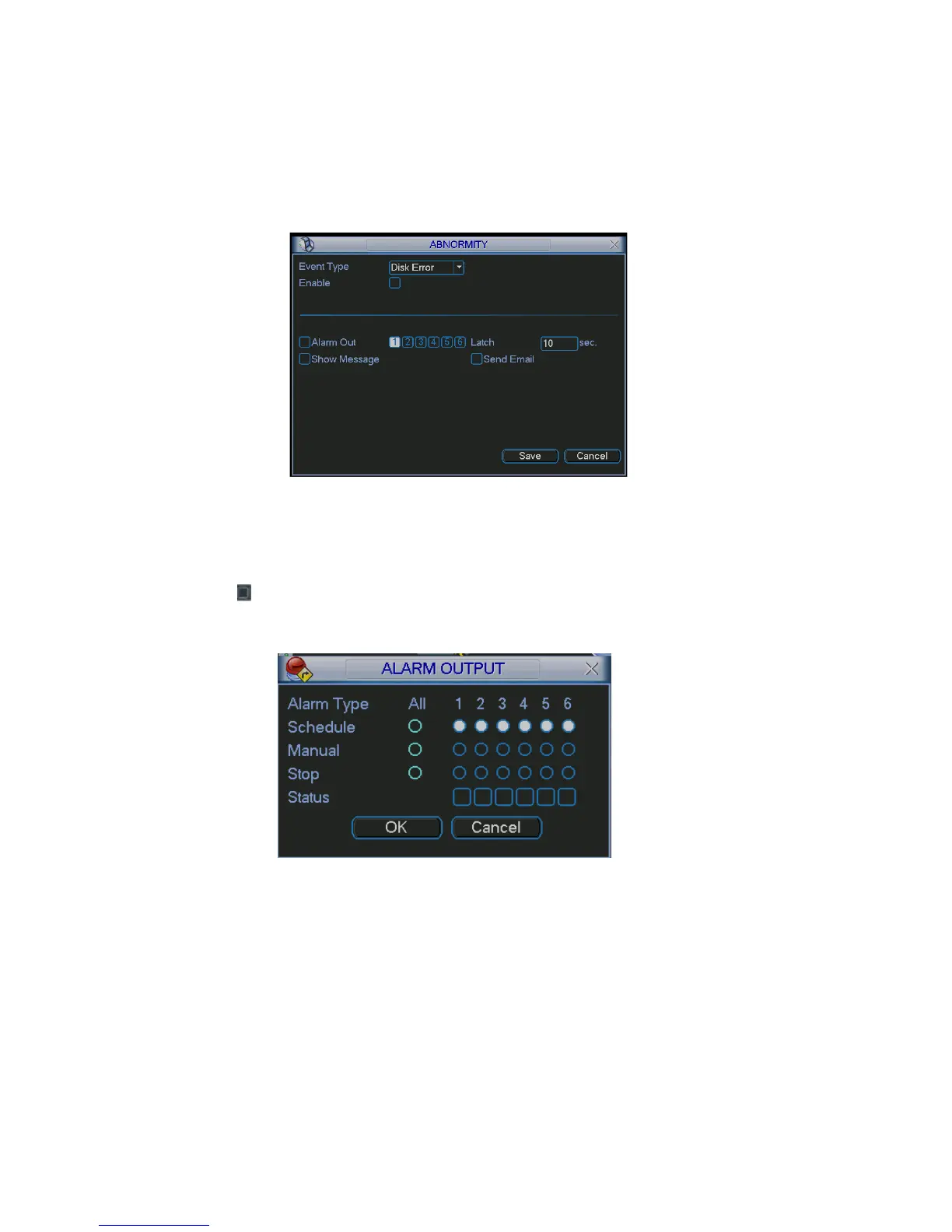
atch: here you can set corresponding delaying time. The value ranges from 10s-
e in the local screen to alert
send out email to alert you when alarm occurs.
L
300s. System automatically delays specified seconds in turning off alarm and
activated output after external alarm cancelled.
Show message: system can pop up the messag
you when alarm occurs.
Send email: System can
Figure 5-32
5.5.3 Alarm Output
proper alarm output.
Please highlight
Here is for you to set
icon to select the corresponding alarm output.
e previous menu. After all the setups please click OK button, system goes back to th
See Figure 5-33.
Figure 5-33
5.5.4 Manual Record
4.2.2 manual record.
.5.5 Account
o implement account management. See Figure 5-34. Here you can:
Please refer to chapter
5
Here is for you t
Add new user
Modify user
Add group
76



 To Next Page