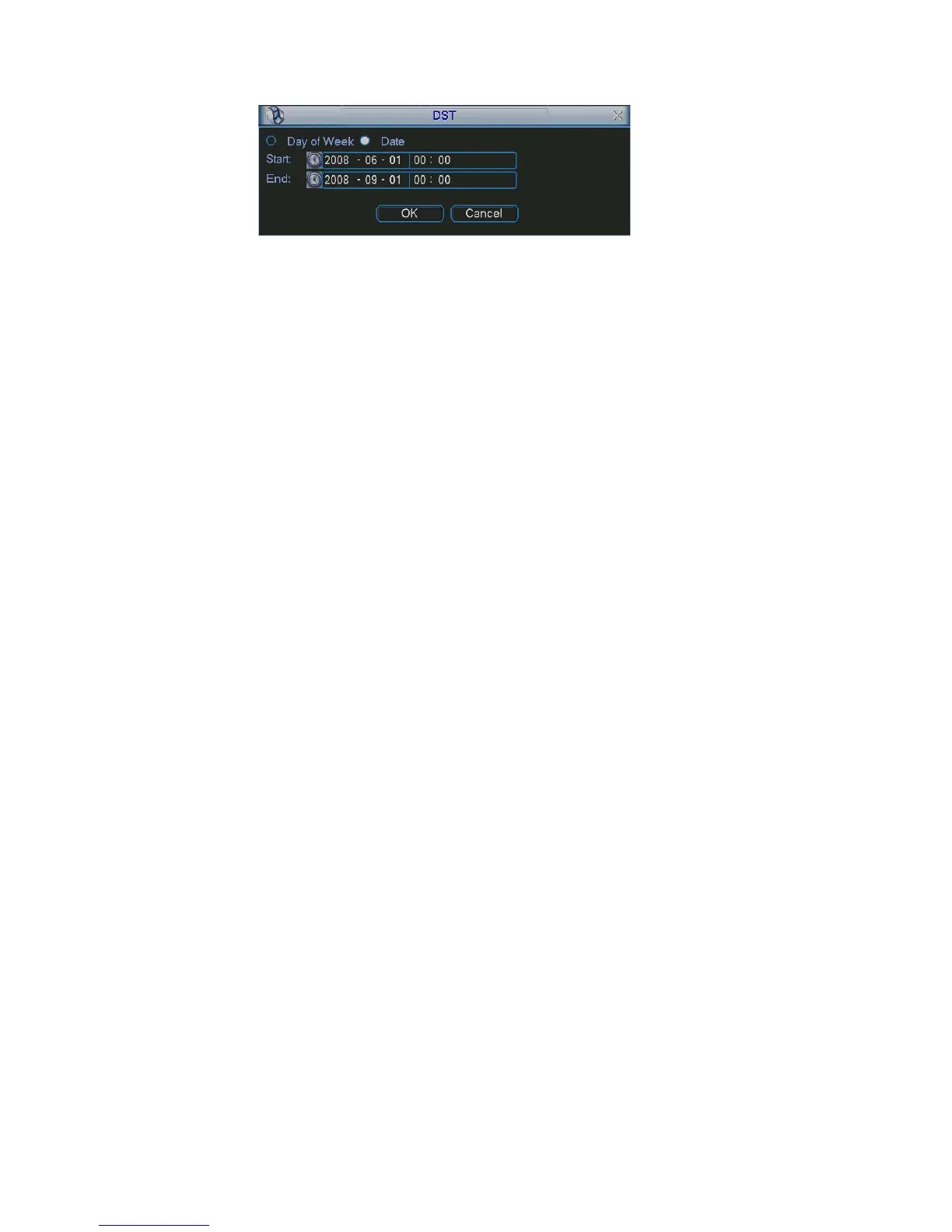
Figure 5-5
5.3.2 Encode
includes the following items. See Figure 5-6.
r you can select from the dropdown list.
BR mode, you can set
are six levels ranging from 1 to 6. The sixth level has the highest
re are six levels: 1 f/s,2f/s,3f/s, 6f/s,12f/s,25f/s. (Some series
disable the video/audio respectively for the main
n, you can see an interface is shown in Figure 5-7.
eview means the privacy mask
s
play: You can select system displays time or not when you playback.
k snapshoot button, you can see an interface is shown as in
is activation (trigger).
can set the snapshoot frequency. The value
:H.264
Encode setting
Please note some series do not support extra stream.
Channel: Select the channel you want.
Compression: system supports H.264. O
Resolution: System supports various resolutions, you can select from the
dropdown list. For this model, we can support D1/CIF.
Bit rate: system supports two types: CBR and VBR. In V
video quality.
Quality: There
image quality.
Frame rate: the
DVRs only support PAL 25f/s )
Video/audio: you can enable or
stream and extra stream.
Overlay: click overlay butto
Cover area (Privacy mask): Here is for you to set window blanking section. You
can drag you mouse to set proper section size.
Preview/monitor: privacy mask has two types. Pr
zone can not be viewed by user when system is in preview status. Monitor mean
the privacy mask zone can not be view by the user when system is in monitor
status.
Time dis
Channel display: You can select system displays channel number or not when
you playback.
Snapshoot: Clic
Figure 5-8.(This function applies to some series only)
Mode: There are two types: one is timing and the other
Image size: D1/HD1/BCIF/CIF.
Image quality: level1 to level 6.
Snapshoot frequency: Here you
ranges from 1s/p to 7s/p.
System default setup is:
Channel:1
Compression
Resolution: CIF/D1
60



 To Next Page