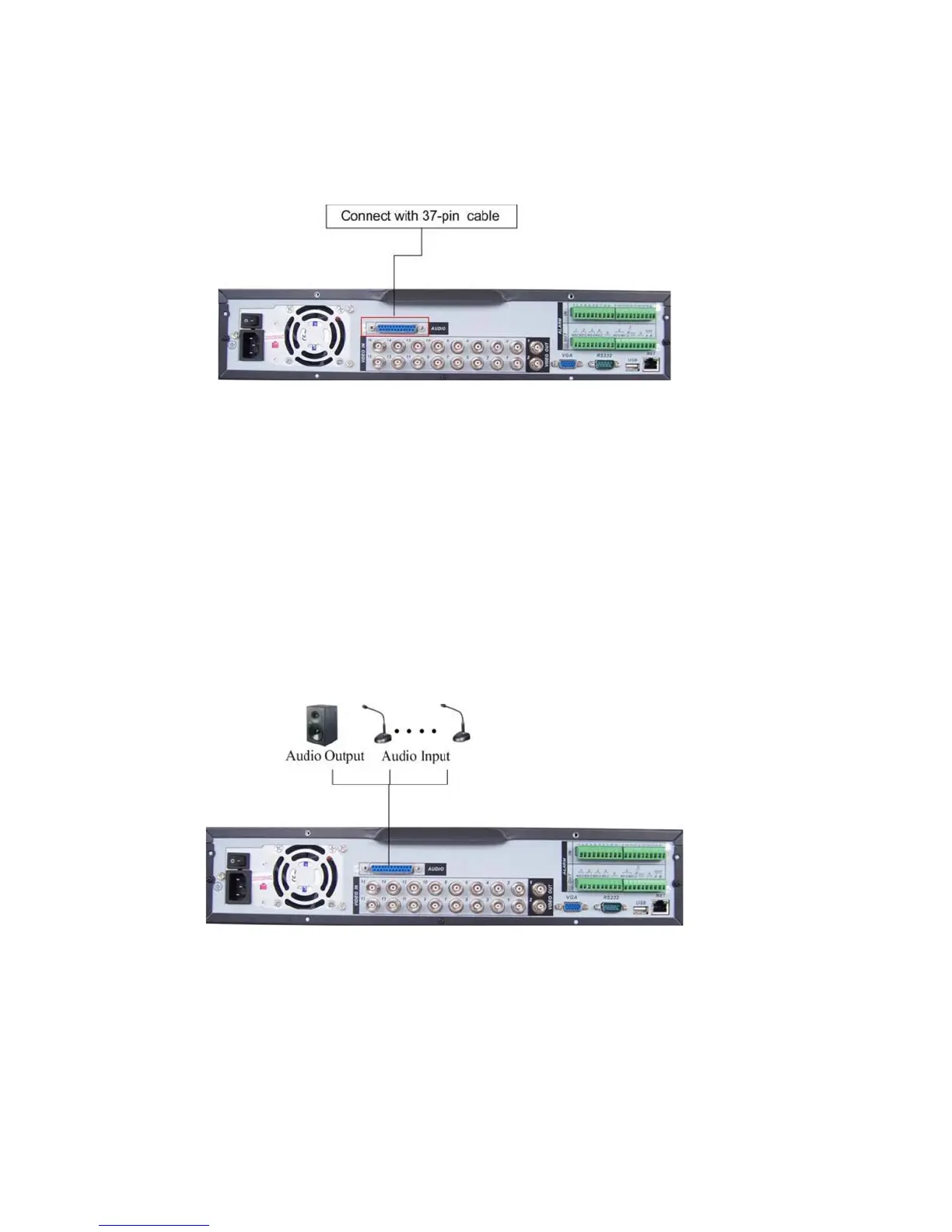
For the 25-pin or 37-pin interface, different models include different functions.
For example, DVR-LT016480 has 16 audio inputs, 1 audio output, 1 bidirectional
audio input. See Figure 3-3.
Figure 3-3
3.7.1 Audio Input/One Audio Output
Audio input, bidirectional audio input and audio output
The DVR encodes audio and video signals simultaneously, which lets you control
audio at the monitored location.
To set up audio:
1. Make sure your audio input device matches the RCA input level. If the device and
RCA input levels do not match, audio distortion problems may occur.
2. Make sure the audio connector is wired as follows:
3. Connect a line input device or pre-amplified microphone to the audio connector for
the video channel on the rear panel.
Please refer to Figure 3-4.
Figure 3-4
3.7.2 Looping video
Loopouts not supported with this model.
27



 To Next Page