8 Enterprise Professional Surveillance System
In this chapter, we introduce how to add devices and how to enable monitor function.
For detailed operation, please refer to enterprise professional enterprise surveillance
system user’s manual.
8.1 Log in
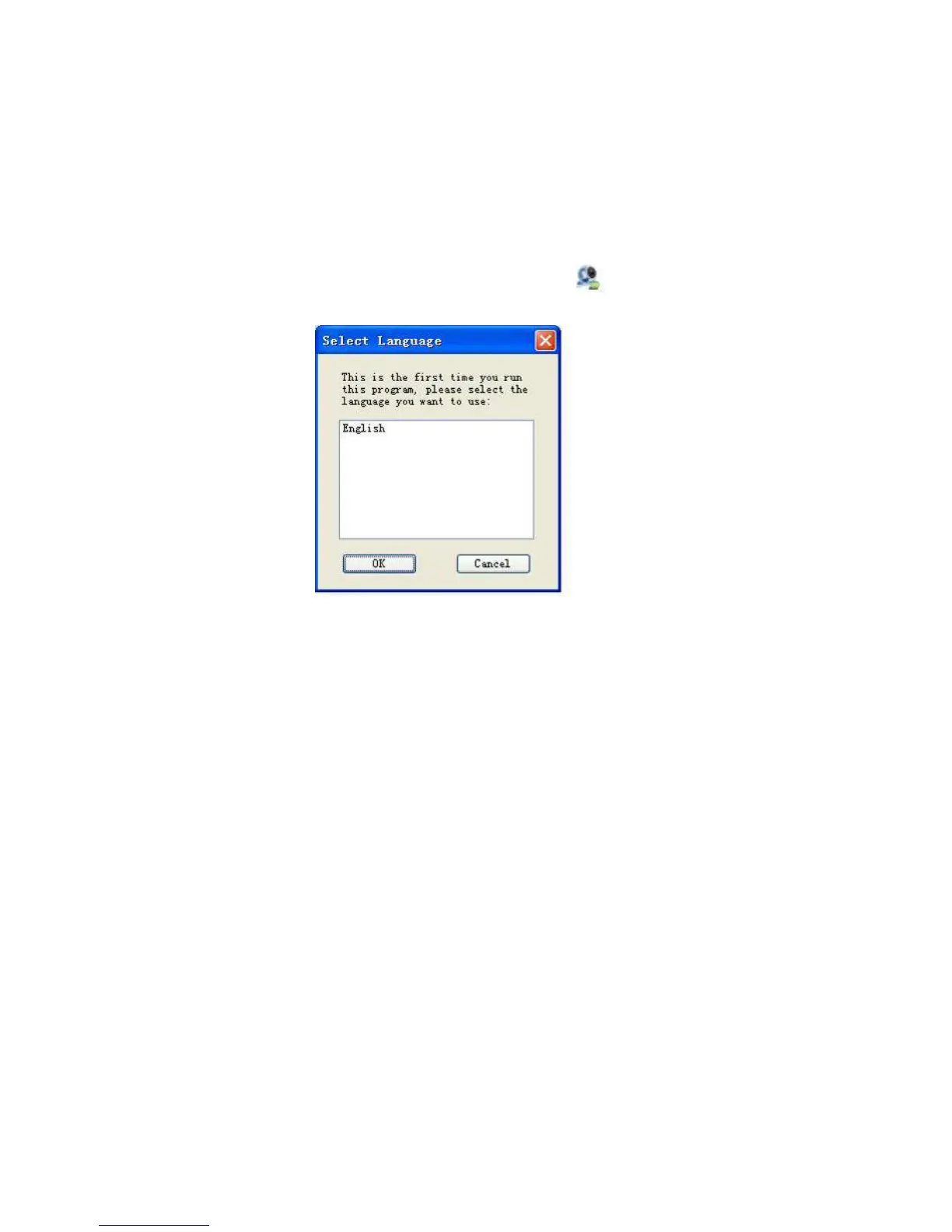
Double click enterprise profession surveillance platform icon ( ).If it is your first
time to use the system, you can see the following interface. See Figure 8-1.
Figure 8-1
After selecting a language, you can see the following interface. Here you can input
user name and password to log in you selected server. The log in interface is shown
as in Figure 8-2.
If it is your first time to use the system, you need to click add button to add a device
first. Default central control server name is Local.
System default username and password both are admin.
Note:
For security reasons please modify your password after you first logged in.
127



 To Next Page