7.4 Search
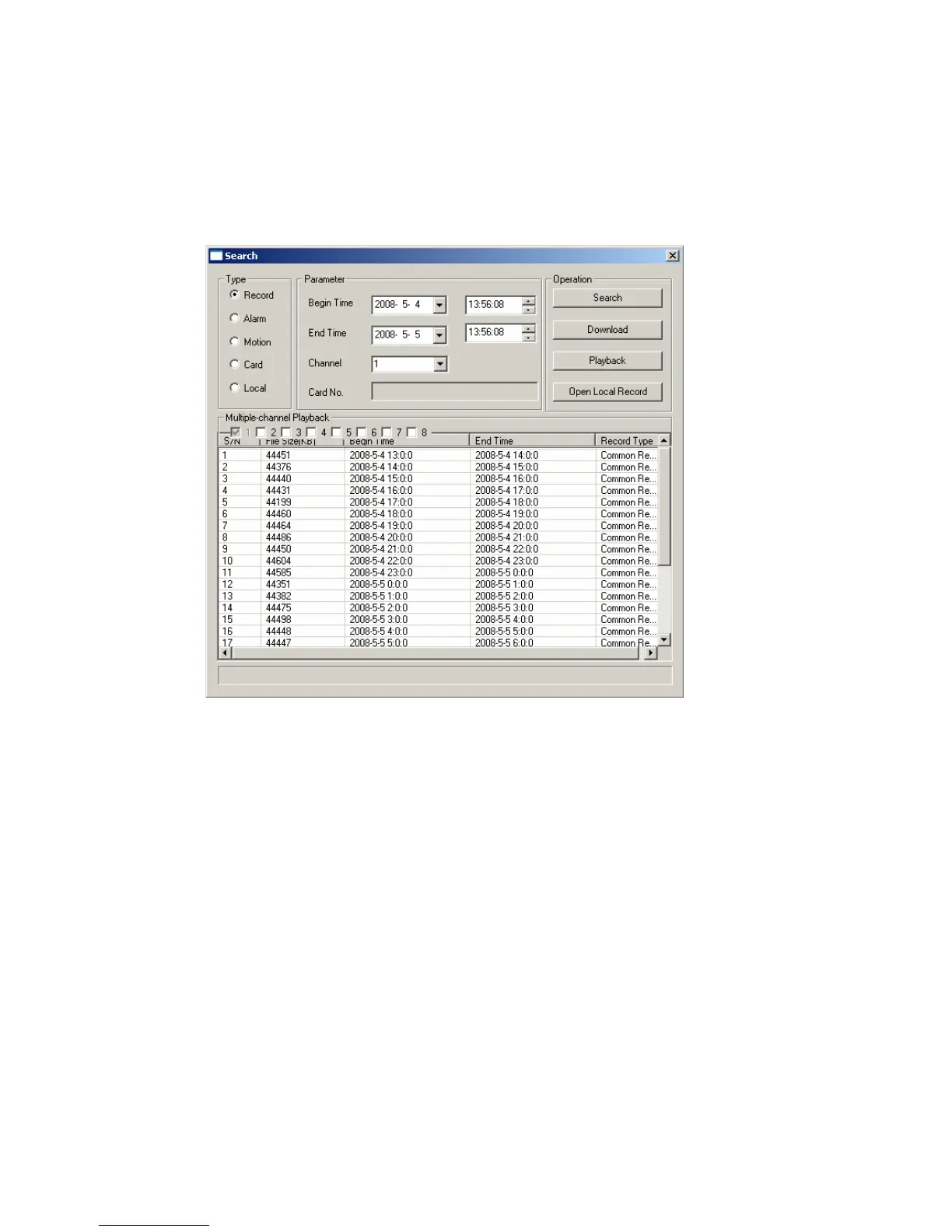
Here you can select video type, channel number and time to search the file you want.
Click search button, the interface is shown as below. See Figure 7-54
Please use page up/down key to view the search results.
Double click file name, you can view the file and system will automatically backup
the image in you installation directory.
Figure 7-54
In the search result interface, you can select one or more files to download to your
local PC.
The playback bar is shown as below. See Figure 7-55.
1: Play
2: Pause
3: Stop
4: Slow play
5: Fast play
123



 To Next Page