System stop
s all channel recording no matter what mode you have set in the
menu (Main menu->Setting->Schedule)
Figure 4-9
4.3 Search & Playback
4.3.1 Search Menu
There are two ways for you to go to search menu.
Click Pause/Play button in the remote control.
Click search in the main menu.
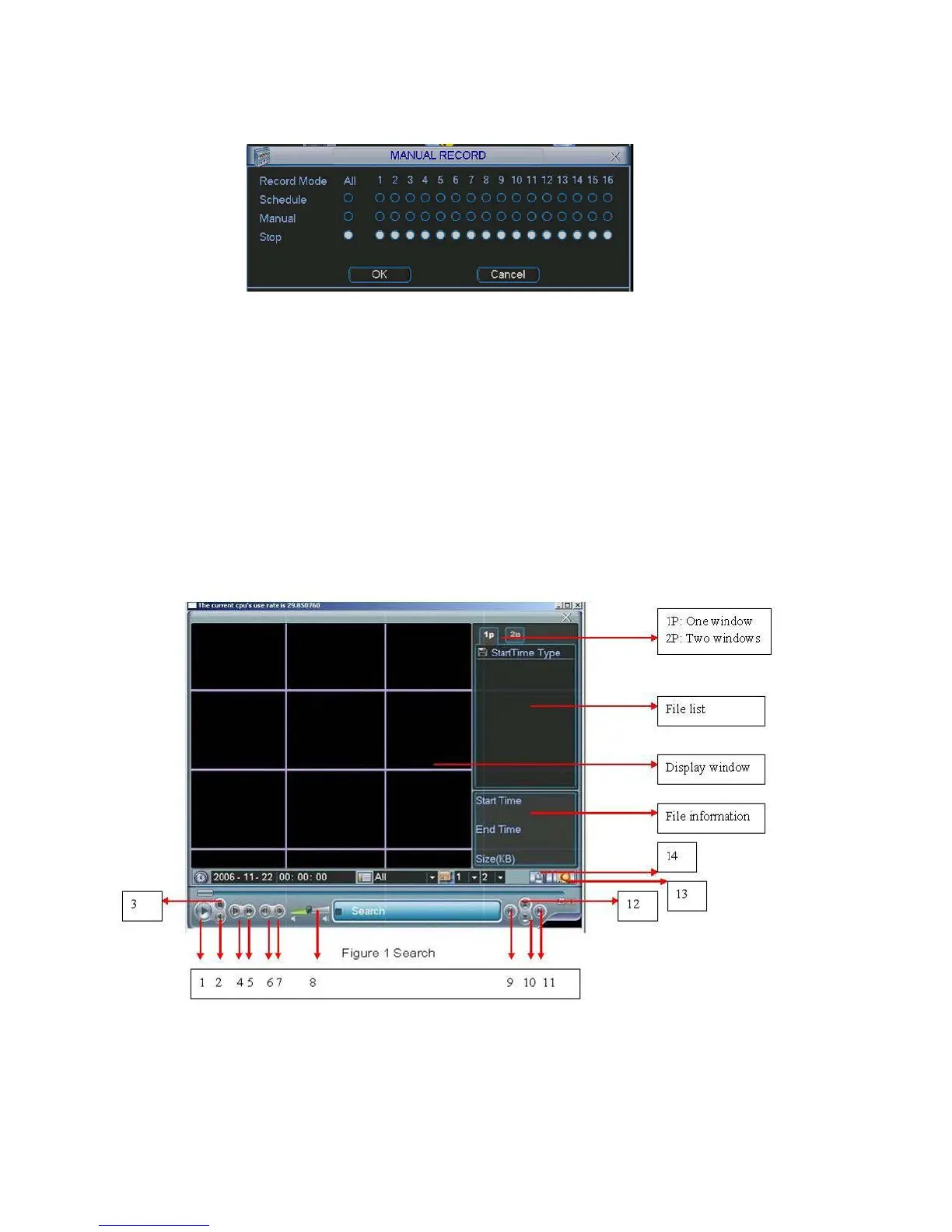
Search interface is shown as below. See Figure 4-10.
Usually there are three file types:
R: regular recording file.
A: external alarm recording file.
M: motion detection recording file
C: card and pos test overlay recording file(For some special series only)
There are several playback windows. System supports 1/2-ch playback.
Figure 4-10
37



 To Next Page