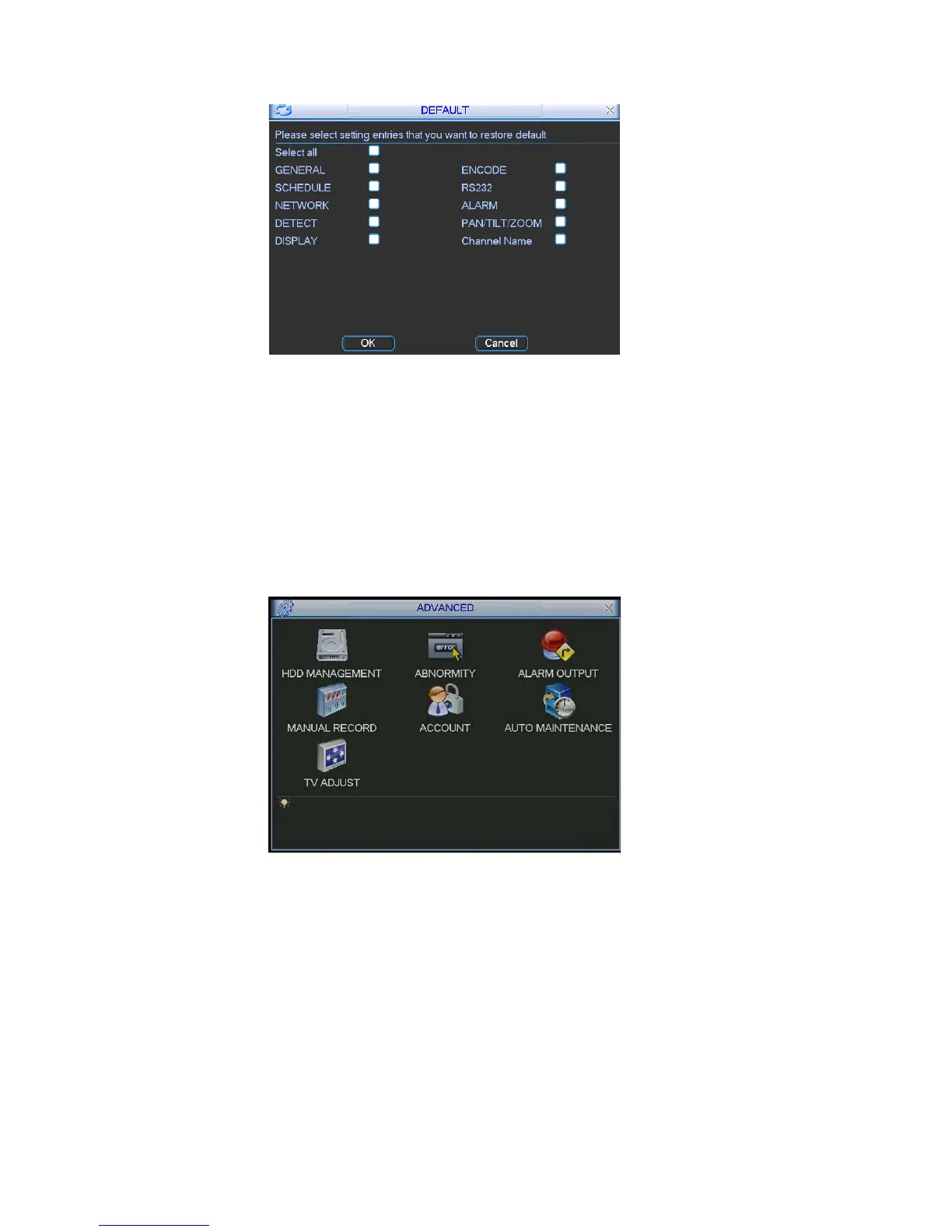
Figure 5-28
5.4 Search
Please refer to chapter 4.3 Search.
5.5 Advanced
nced icon in the main window, the interface is shown as below. Double click adva
See Figure 5-29. There are total seven function keys: HDD management, alarm
output, abnormity, manual record, account, auto maintain, and TV adjust.
Figure 5-29
5.5.1 HDD Management
implement hard disk management. See Figure 5-30.
edundant
te you need to set at least one read-write disk, otherwise system will not
Here is for you to view and
You can set proper mode for each hard disk from the dropdown list.
When you use redundant backup function, you can set one or more r
HDD(s).
Please no
record video. For detailed information you can refer to chapter 4.4 Schedule.
74



 To Next Page