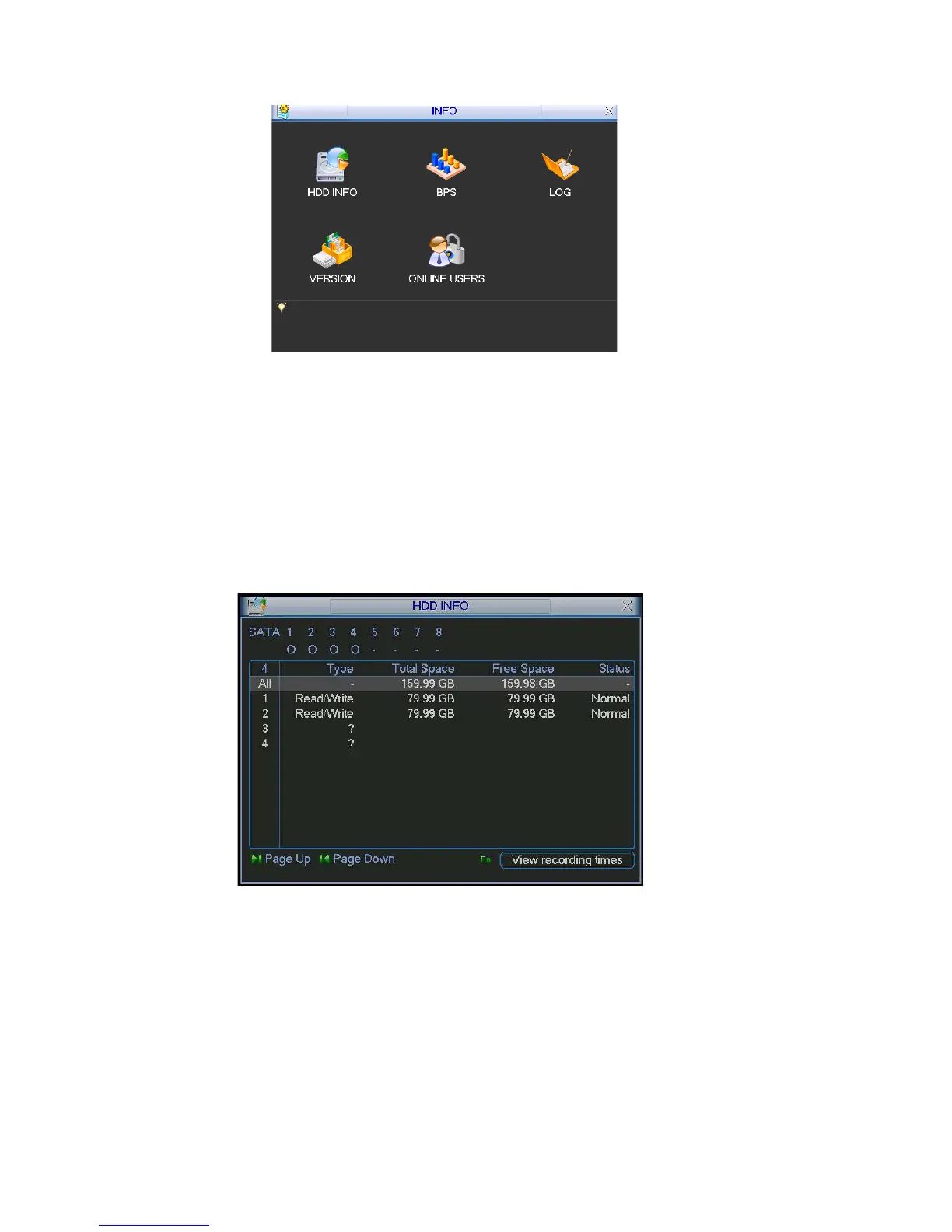
Figure 5-44
5.6.1 HDD Information
pe, total space, free space, video start time and status. See
remove the broken hard disk before you add a new one.
and system time is
Here is to list hard disk ty
Figure 5-45.
Note:
Please
Once there is a hard disk confliction, please check hard disk time
the same or not. Please go to setting then general to modify system time. At last,
reboot the system to solve this problem.
If disk is damaged, system shows as “?”
Figure 5-45
5.6.2 BPS
ou to view current video data stream (KB/s) and occupied hard disk Here is for y
storage (MB/h). See Figure 5-46.
83



 To Next Page